67 68
App User Guide
Control Board Reset
Firmware Version Check
To check what version of
GMG firmware your grill is
running follow these steps:
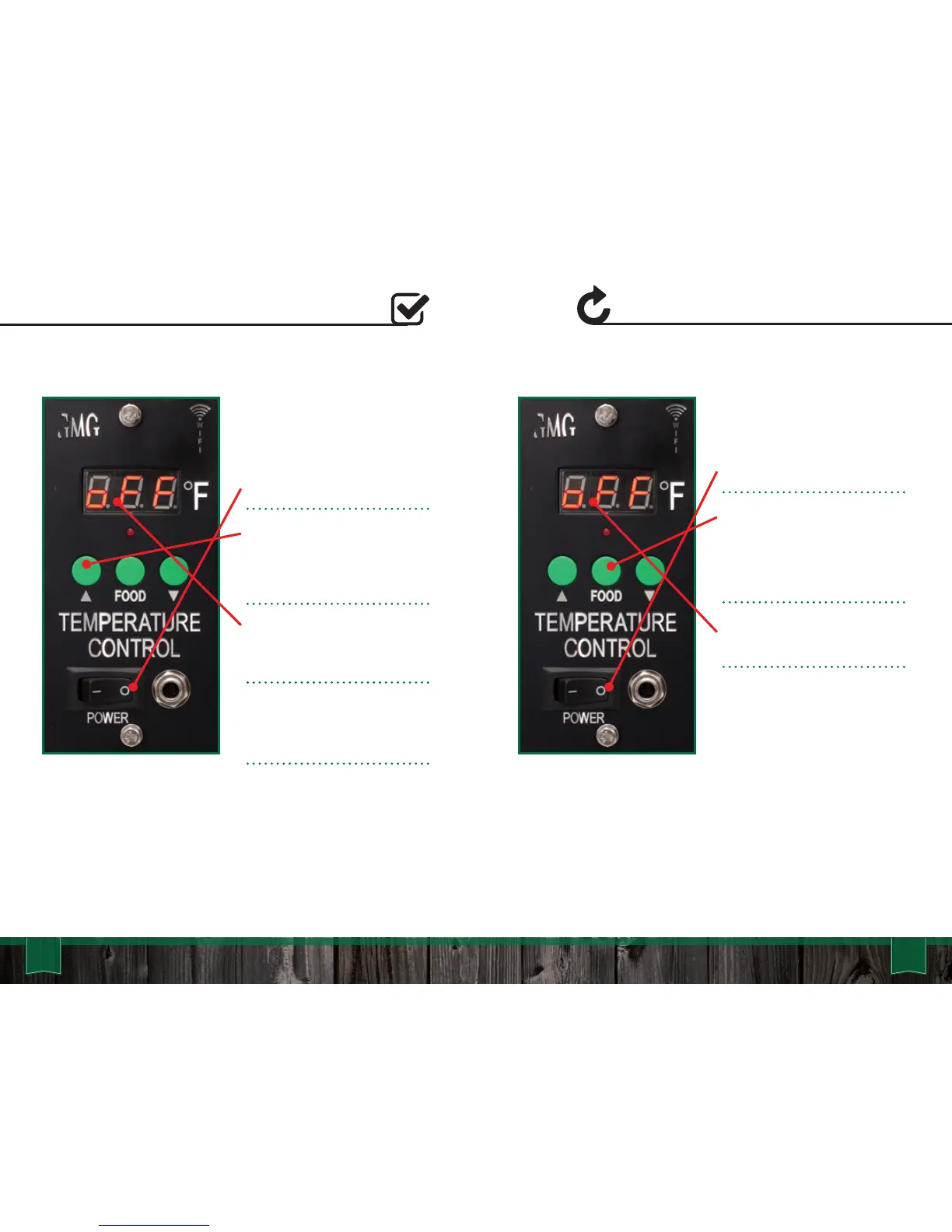
1. Toggle the grill off.
2. Hold down the “Up” button,
next toggle the grill on, while
continuing to hold the “Up”
button for about 10 seconds.
The LCD screen will flash the
version number. Version 6.1 is
the newest firmware.
If no version number is
displayed, you will need to
update the firmware.
* Latest Firmware Versions:
Daniel Boone - 6.1
Jim Bowie - 6.1
Davy Crockett - 6.1
To reset the system to
default settings:
1. Toggle the grill off.
2. Hold down the “Food”
button, next toggle the grill on
while continuing to hold the
“Food” button for about 15
seconds.
The grill will count up from 0 to
999 then display off.
The grill is now reset to default.
* Subect to change with updates



 To Next Page