7. HOW TO USE
·How to use LCD - SETUP
Move to initial Screen when touch home or back icon.
6
※Enlargement
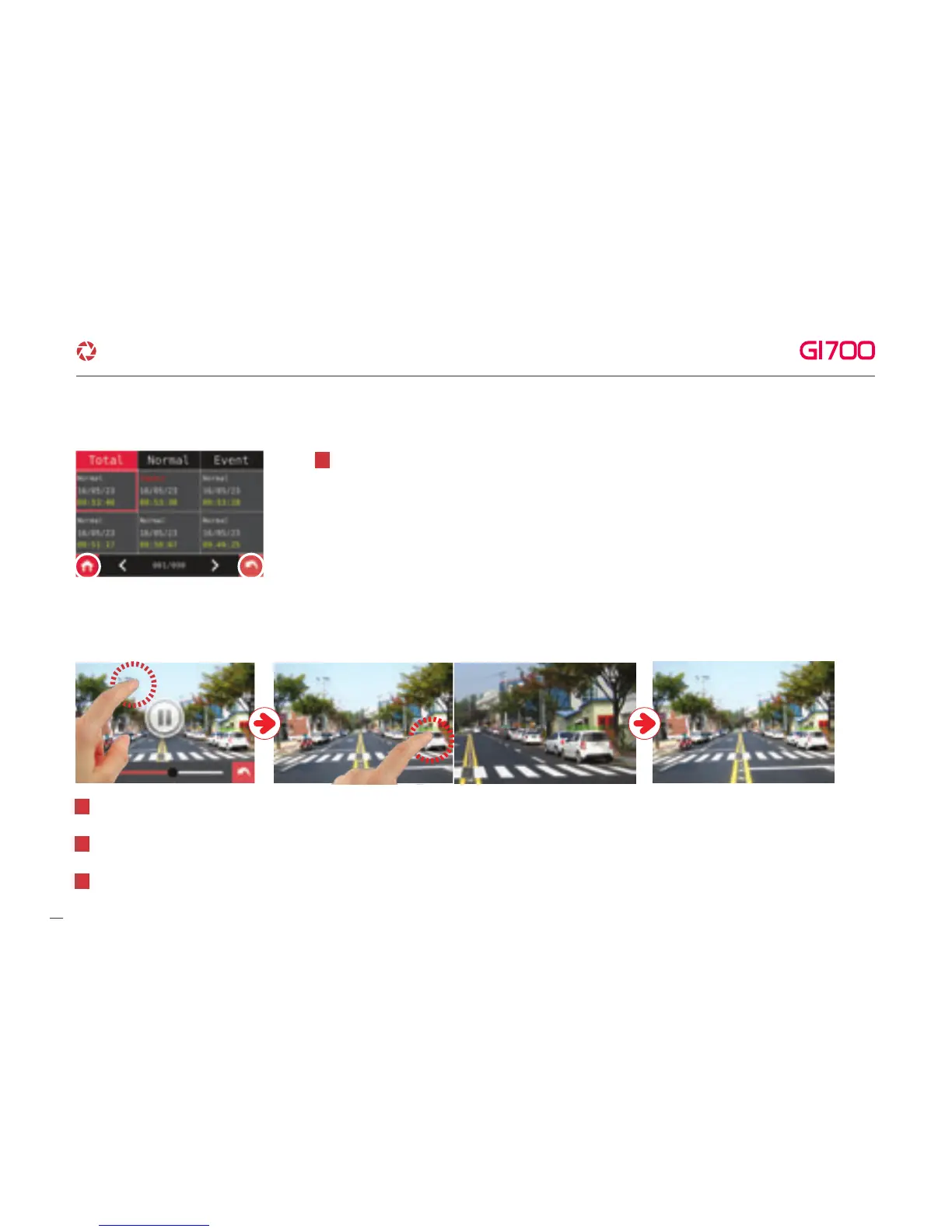
In case that checking exactly specific part on video, keep touching where you want. Then it shows Enlarged screen.
After playing video, touch anywhere except on function icon. Function icon would disappear within a second.
1
The enlarged video would back to normal size of video, when back to video list by Keeping touching or touching back icon.
3
Keep touching specific part where you want, it would enlarge.
2
13
G-Net system DASH CAM



 To Next Page