7. HOW TO USE
·How to use LCD - SETUP
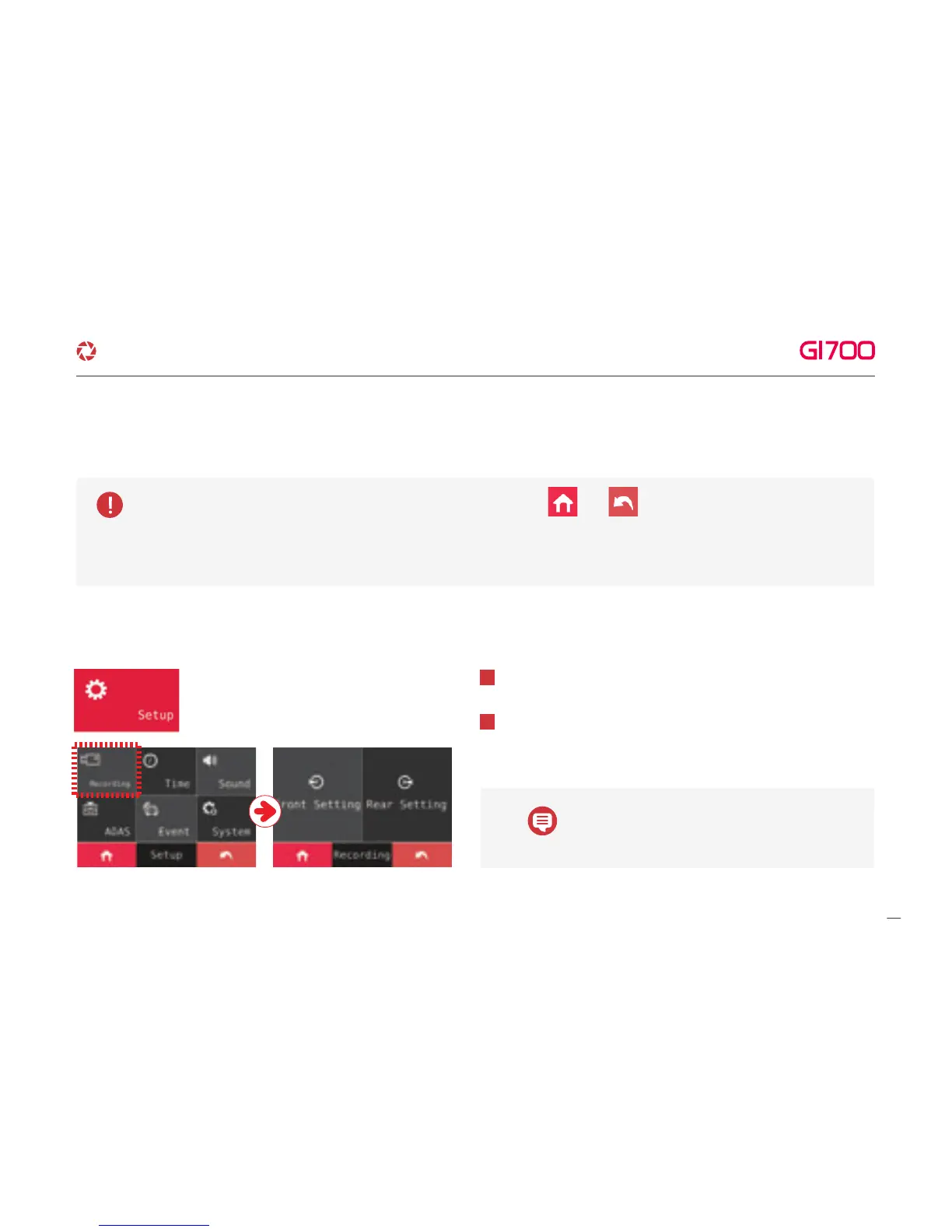
Able to move Setup Screen by Touching Setup button.
1
2
Able to set Brightness, resolution, Event (FPS), Normal (FPS)
by touching Front, Rear button at Setup screen.
The default resolution of GI700 is 1080P (Front)
and 1080P (Rear).
2. SETUP
Changed setting will be saved when it returns to the main by touching or buttons.
When the Setting Front, Rear, Parking on/off, Languages and Memory (ratio, format) through Smartphone are changed,
the system will be rebooted to save setting.
14
G-Net system DASH CAM



 To Next Page