7. HOW TO USE
The successful cases from tamper check, the tamper.txt file will be
made even if there is no statement in that file.
If the tamper test is with the copied date from origin Memory card,
the test is not correctly working as the date in original Memory
card is deleted. So, checking the videos in the Memory card first,
and then, able to test the tamper Check.
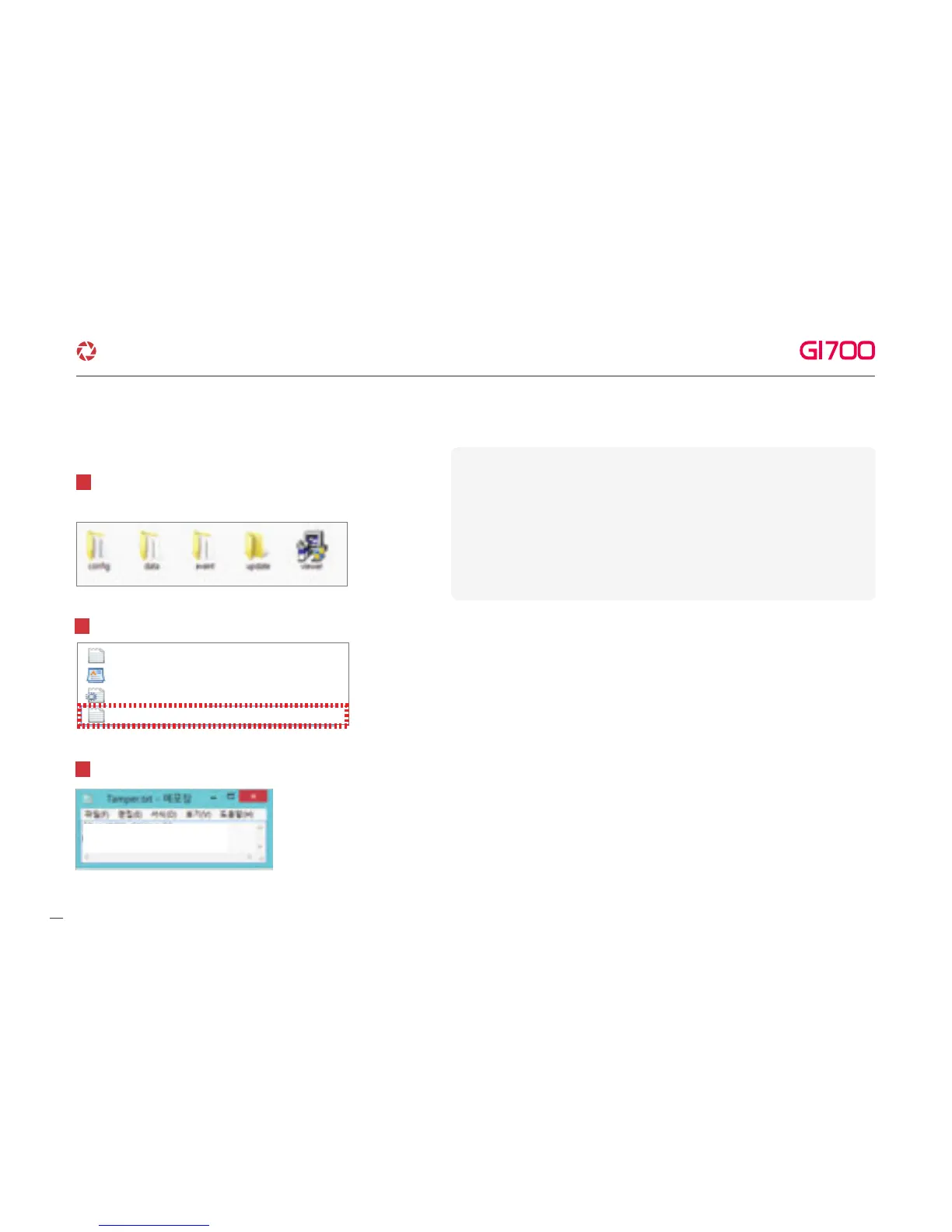
※ How to check result of Tamper check
Insert Memory card Reader after taking out the Memory
card from Device. And, open the“Config”folder.
1
Open the“Tamper.txt”file in the“Config”folder.
2
log.txt
system.cfg
version.ini
Tamper.txt
You can check the log record when the file is opened.
3
[TAMPER_RESULT]
00000000.jdr=Tamper Detection
▶
▶
23
·How to use LCD - SETUP
G-Net system DASH CAM



 To Next Page