• Do not bend the cable forcibly or place a heavy object on it.
This will damage the cord and may cause re or electrical
shock.
• Ensure that you’re
GNS 3000
is rmly xed in your vehicle
to avoid damage.
Package contents
•
GNS 3000
GPS/GALILEO/GLONASS Triceiver
•
GNS 3000
GPS/GALILEO/GLONASS Triceiver charger cable
• This instruction booklet
• Should anything be missing, please contact your dealer.
Please remove protective lm on the LED display before use!
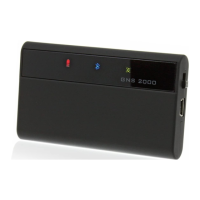
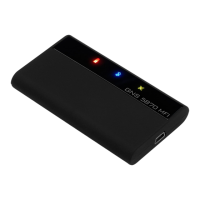
Operating buttons and LEDs
To switch on your
GNS 3000,
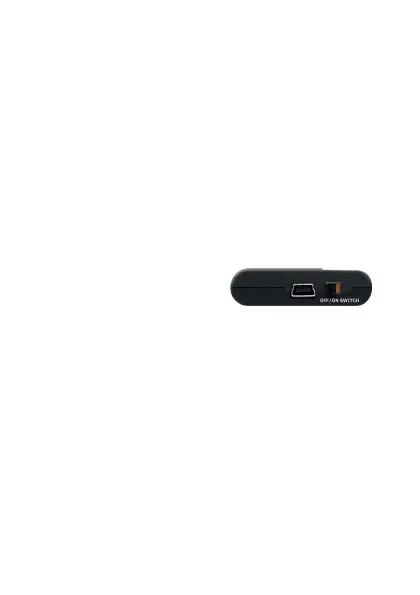
move the switch from left to the
right. The green and blue LEDs will start ashing. Move the
switch back to the left to switch o.
Logger Function
The
GNS 3000 f
eatures a logger functionality. GPS data is logged
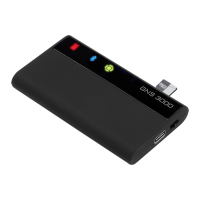
on a Storage-Card (not included) inserted into the
GNS 3000
St o r age - C ard slot .
The position is logged every second and the duration of logging
is only limited by the available memory of the storage card (1
GB allows for approximately 80 days of continuous logging).
Please only remove and insert the Storage-Card when
the GNS 3000 is switched o!
Storage-Card preparations:
The Storage-Card must have a single partition, formatted FAT or
FAT32 and a maximum of 32 GB in capacity. A maximum of 100
les are allowed on the root directory and for normal logging
purposes there must not be a le named update.gns present.
The logles are named and numbered LOG00001.TXT to
LOG99999.TXT so logging will also cease to work after LOG99999.
TXT is reached.


 To Next Page