After you have installed the „Bluetooth GPS“ app, set up a
partnership between the
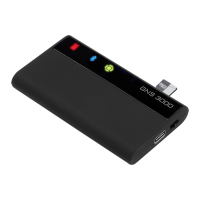
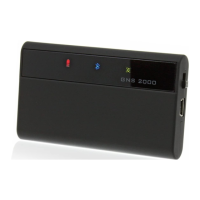
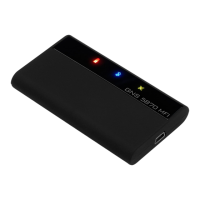
GNS 3000
and your Android device.
Start the „Bluetooth GPS“ app and select the GNS 3000 receiver.
Then choose the „Enable Mock GPS Provider“ option and make the
connection by pressing the „Connect“ button. Your Android device
will now receive the GPS data from the
GNS 3000
via Bluetooth.
Dear Customer,
For more information and guidance on the Bluetooth installation
on your Apple or Android device, please refer to our Installation
Tutorial on https://www.gns-electronics.de/support-gns3000/
Operation over car ignition
For xed and unxed installation and operation in motor vehicles
with 12-24V power supply. Due to the power management features
described below the
GNS 3000
is prepared for xed installation in
motor vehicles. If your vehicle is equipped with a cigarette lighter
socket which is connected to the car ignition and the
GNS 3000
is
connected via USB charging adapter and the included USB cable,
the
GNS 3000
will turn on automatically when the car ignition
is activated and will shut down automatically 15 minutes after
switching o the car ignition (on/o switch of the
GNS 3000
has to
be in the position „on“).
Power management
1. Without external power supply (cable/car ignition o) the
GNS
3000
will shut down automatically after 15 minutes without a
Bluetooth connection to reduce battery consumption.
2. The
GNS 3000
can be turned on again easily using the on/o
switch or by powering the device with an external charging cable.
Reset
For technical reasons the
GNS 3000
is not equipped with a RESET
switch. If you should experience an unexpected malfunction - e.g.
no data is sent or the partner device does not recognize the
GNS
3000
- simply switch o the device, remove storage card and plug
in the external charging cable to perform a full RESET. An existing
Bluetooth connection should be terminated rst.


 To Next Page
 Loading...