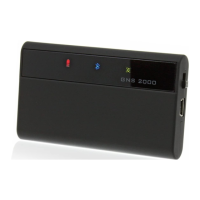
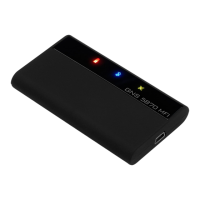
Charging
The
GNS 3000
is equipped with a Li-Ion battery. The operation time
is over 10 hours. Charging: Charging time is approximately 3.5
hours (empty battery). Connect the
GNS 3000
with the supplied
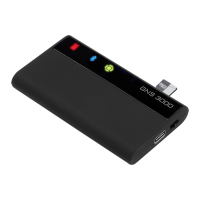
charging cable to a USB port of your choice. This can be, for
example, the USB port of a PC, or any external USB charger like
a cigarette lighter charger, for example. The red charge indicator
light will start blinking to indicate charging. It remains lit when
charging is complete.
Installation and Bluetooth mode
Position the
GNS 3000
so that it has an unobstructed ,,view” of
the sky. (no metal parts between sky and device). Secure the
receiver to avoid slipping. Switch on the
GNS 3000
. Activate the
Bluetooth mode in your Apple- / Android device / PDA / PC and
initiate a search for the
GNS 3000
with your Apple / Android /
PDA / Handheld / Tablet / PC devices Bluetooth manager. This is
described in the manual for your device. When you are asked for
the PIN to establish the link, enter “0000”. In case your device
shows a message to compare the displayed the code with the code
displayed on the GNS3000 just conrm the message. Start your
navigation software and select the appropriate interface under the
GPS settings if required. The
GNS 3000
can be connected with up
to 5 Android or Apple devices simultaneously. For Windows devices
only one exclusive connection at the same time is possible.
Special feature for Apple devices:
After the rst connection with an Apple device, the connection will
be automatically re-established when restarting the
GNS 3000
.
This automatic connection establishment will be interrupted when
you connect your
GNS 3000
with another device intermediately.
GPS data transfer to Android devices:
The
GNS 3000
can also be used with Android devices. The Android
Operating System does not support external Bluetooth GPS
receivers by itself, but when you use an external freeware app
such as „Bluetooth GPS“ (available in every App Store) you can
pass the data from the
GNS 3000
GPS receiver to your Android
device via Bluetooth.


 To Next Page
 Loading...