If the card meets all requirements but still does not work, we
recommend formatting it using the SD Memory Card Formatter
(https://www.sdcard.org/downloads/formatter/).
Start / Stop Logging:
To start GPS data logging with the
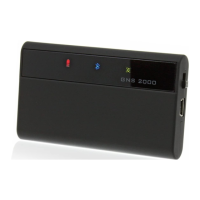
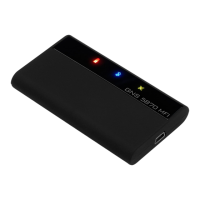
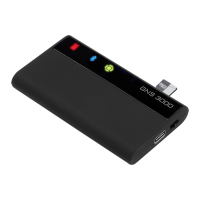
GNS 3000
turn the power switch
to OFF, then switch it ON-OFF-ON in a straight sequence within 1.5
seconds.
To stop logging simply switch o the device. Alternatively logging
will automatically stop if the battery is empty or the storage card
capacity is reached.
Logging output format:
GPS data is logged to les named and numbered LOG00001.TXT
to LOG99999.TXT. The data is recorded in NMEA 0183 (v4.10)
GGA and RMC sentences which can easily be converted into other
formats such as Google’s KML or GPX using the free conversion
tool GPSBabel which is available for most operating systems
(https://www.gpsbabel.org/).
Data is only recorded while the device has a GPS x and the actual
log le is created only when the rst GPS x has been acquired
after logging was enabled.
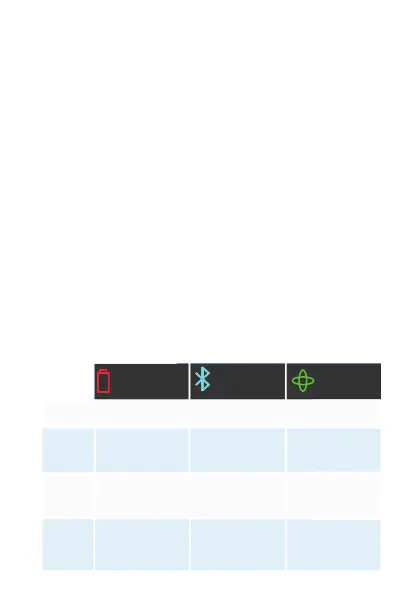
LED indicators and their meanings
Standard Operation Mode
red charging
light
Blue Bluetooth
status
Green GPS
status
o ff
on
blinking
fast
blinking
Normal battery
operation
GNS 3000 plus
is o
GNS 3000
is o
Charger cable at-
tached, battery
fully charged
Bluetooth
connection
established
GPS position
available
Charger cable at-
tached, battery
charging
No Bluetooth
connection
established
GPS position not
(yet) available
Battery almost
empty, device
switching o in
about 10 min.
- -


 To Next Page