EasyManua.ls Logo

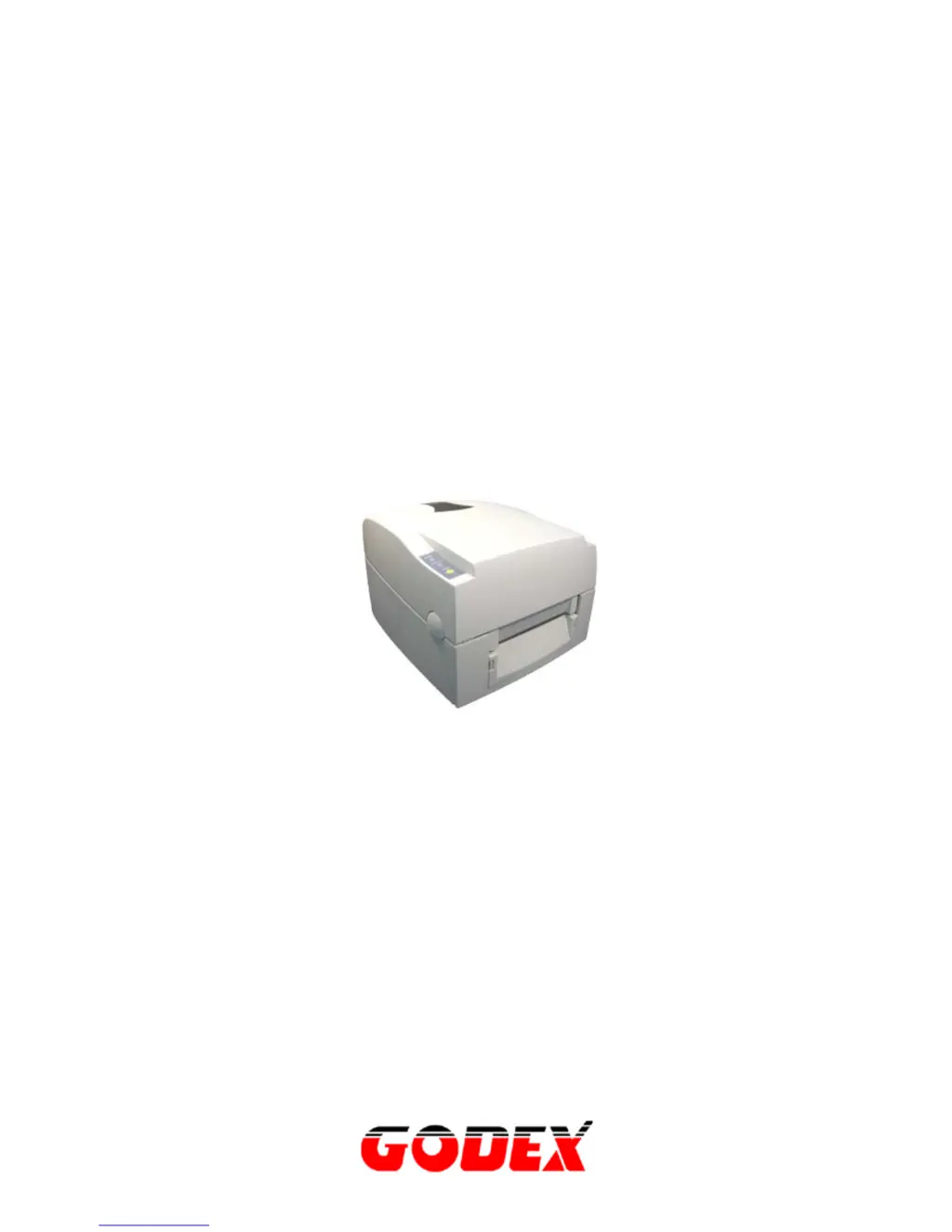
Godex EZ-1200 - User Manual

Godex EZ-1200
32 pages
Print Icon
To Next Page IconTo Next Page
Loading...
P/N. 920-011311-01
Edition 2
AUG.13
EZ-1200/EZ-1300 User Manual
1

Questions and Answers

Summary

Warranty Information

Printers

Details the warranty coverage and conditions for Godex printers.

Printheads

Outlines the specific warranty terms for printer printheads, including limitations.

Software

Specifies the warranty period and coverage for the printer software.

Parts

Covers the warranty for printer parts, maintenance kits, and accessories.

Supplies Products

Explains the warranty provided for consumable supplies like media and ribbons.

Warranty Exclusions and Conditions Statement

Warranty Agreement

Chapter 1. Barcode Printer

1-1. Introduction

Provides an overview of the Godex EZ-1000 series label printer.

1-2. Printer Models

Showcases the different models within the EZ-1000 series with their specifications.

1-3. Printer Accessories

Lists and describes the accessories included with the barcode printer package.

1-4. General Specifications

Details the technical specifications of the EZ-1200 and EZ-1300 printers.

1-5. Communication Interface

Explains the parallel, serial, and USB communication interfaces and pinouts.

1-6. Printer Parts

Identifies and illustrates the various external and internal parts of the printer.

Chapter 2 - Printer Installation

2-1. Ribbon Installation

Step-by-step guide for installing the printer ribbon correctly.

2-2. Label Installation

Instructions for loading and installing label rolls into the printer.

2-3 Label Roll Core Installation Instruction

Guides on how to install different sized label roll cores (1", 1.5", 3").

2-4 Card; Hang tags Installation

Instructions for installing card or hang tag media.

2-5. USB Installation

Detailed steps for installing the USB driver for printer connectivity.

2-6. USB Uninstallation

Procedure for removing the USB driver from the system.

2-7. PC Connection

Steps to connect the printer to a PC via parallel or USB interface.

Chapter 3 - Options Installation

3-1. Stripper Parts

Identifies the components of the optional stripper module.

3-2. Stripper Installation

Provides instructions for installing the optional stripper module.

3-3. Stripper Installation Diagram

Visual diagram illustrating the stripper module installation process.

3-4. Cutter Parts

Identifies the components of the optional cutter module.

3-5. Cutter Installation

Provides instructions for installing the optional cutter module.

3-6. Extended Memory Parts

Identifies the components for extended memory installation.

3-7. Extended Memory Installation

Step-by-step guide for installing the extended memory card.

Chapter 4 - LED Message Description

4-1. LED Status

Explains the meaning of different LED indicators and their status lights.

4-2. General Operation

Describes the general operation of the printer, focusing on the Feed key.

4-3. Self-Test

Details how to perform and interpret the printer's self-test function.

4-4. Dump Mode

Instructions for entering and using Dump Mode for troubleshooting.

4-5. Auto Sensing

Explains the auto-sensing feature for label detection and length.

4-6. Direct Thermal; Thermal Transfer Mode Switch

How to switch between Direct Thermal and Thermal Transfer printing modes.

4-7. Error Messages

Lists common error messages, their causes, and solutions.

Chapter 5 - Maintenance and Adjustment

5-1. Thermal Print Head Cleaning

Guide on how to clean the thermal print head for optimal performance.

5-2. Thermal Print Head Balance Adjustment

Instructions for adjusting print head pressure for print quality.

5-3. Print Line Adjustment

How to adjust the print line for better balance and quality.

5-4. Adjust the cutter

Steps to adjust the cutter mechanism for proper cutting.

5-5. Troubleshooting

Common problems and their recommended solutions for the printer.

Summary

Warranty Information

Printers

Details the warranty coverage and conditions for Godex printers.

Printheads

Outlines the specific warranty terms for printer printheads, including limitations.

Software

Specifies the warranty period and coverage for the printer software.

Parts

Covers the warranty for printer parts, maintenance kits, and accessories.

Supplies Products

Explains the warranty provided for consumable supplies like media and ribbons.

Warranty Exclusions and Conditions Statement

Warranty Agreement

Chapter 1. Barcode Printer

1-1. Introduction

Provides an overview of the Godex EZ-1000 series label printer.

1-2. Printer Models

Showcases the different models within the EZ-1000 series with their specifications.

1-3. Printer Accessories

Lists and describes the accessories included with the barcode printer package.

1-4. General Specifications

Details the technical specifications of the EZ-1200 and EZ-1300 printers.

1-5. Communication Interface

Explains the parallel, serial, and USB communication interfaces and pinouts.

1-6. Printer Parts

Identifies and illustrates the various external and internal parts of the printer.

Chapter 2 - Printer Installation

2-1. Ribbon Installation

Step-by-step guide for installing the printer ribbon correctly.

2-2. Label Installation

Instructions for loading and installing label rolls into the printer.

2-3 Label Roll Core Installation Instruction

Guides on how to install different sized label roll cores (1", 1.5", 3").

2-4 Card; Hang tags Installation

Instructions for installing card or hang tag media.

2-5. USB Installation

Detailed steps for installing the USB driver for printer connectivity.

2-6. USB Uninstallation

Procedure for removing the USB driver from the system.

2-7. PC Connection

Steps to connect the printer to a PC via parallel or USB interface.

Chapter 3 - Options Installation

3-1. Stripper Parts

Identifies the components of the optional stripper module.

3-2. Stripper Installation

Provides instructions for installing the optional stripper module.

3-3. Stripper Installation Diagram

Visual diagram illustrating the stripper module installation process.

3-4. Cutter Parts

Identifies the components of the optional cutter module.

3-5. Cutter Installation

Provides instructions for installing the optional cutter module.

3-6. Extended Memory Parts

Identifies the components for extended memory installation.

3-7. Extended Memory Installation

Step-by-step guide for installing the extended memory card.

Chapter 4 - LED Message Description

4-1. LED Status

Explains the meaning of different LED indicators and their status lights.

4-2. General Operation

Describes the general operation of the printer, focusing on the Feed key.

4-3. Self-Test

Details how to perform and interpret the printer's self-test function.

4-4. Dump Mode

Instructions for entering and using Dump Mode for troubleshooting.

4-5. Auto Sensing

Explains the auto-sensing feature for label detection and length.

4-6. Direct Thermal; Thermal Transfer Mode Switch

How to switch between Direct Thermal and Thermal Transfer printing modes.

4-7. Error Messages

Lists common error messages, their causes, and solutions.

Chapter 5 - Maintenance and Adjustment

5-1. Thermal Print Head Cleaning

Guide on how to clean the thermal print head for optimal performance.

5-2. Thermal Print Head Balance Adjustment

Instructions for adjusting print head pressure for print quality.

5-3. Print Line Adjustment

How to adjust the print line for better balance and quality.

5-4. Adjust the cutter

Steps to adjust the cutter mechanism for proper cutting.

5-5. Troubleshooting

Common problems and their recommended solutions for the printer.

Godex EZ-1200 Specifications

General IconGeneral
Print MethodThermal Transfer / Direct Thermal
Resolution203 dpi
Max Print Width4.09" (104 mm)
Max Print Speed4 ips (101.6 mm/s)
Max Print Length1, 000 mm
Min Print Length10 mm
Memory8 MB Flash, 8MB SDRAM
InterfaceUSB
Media TypeTags, Tickets
Media Width20 mm to 110 mm
Label Thickness0.06 mm to 0.2 mm
Power Supply100-240V AC, 50/60Hz
Operating Temperature41°F to 104°F (5°C to 40°C)
Storage Temperature-4°F to 122°F (-20°C to 50°C)
Humidity10% to 85% (non-condensing)
Processor32-bit RISC CPU
SensorsReflective and Transmissive

Related product manuals