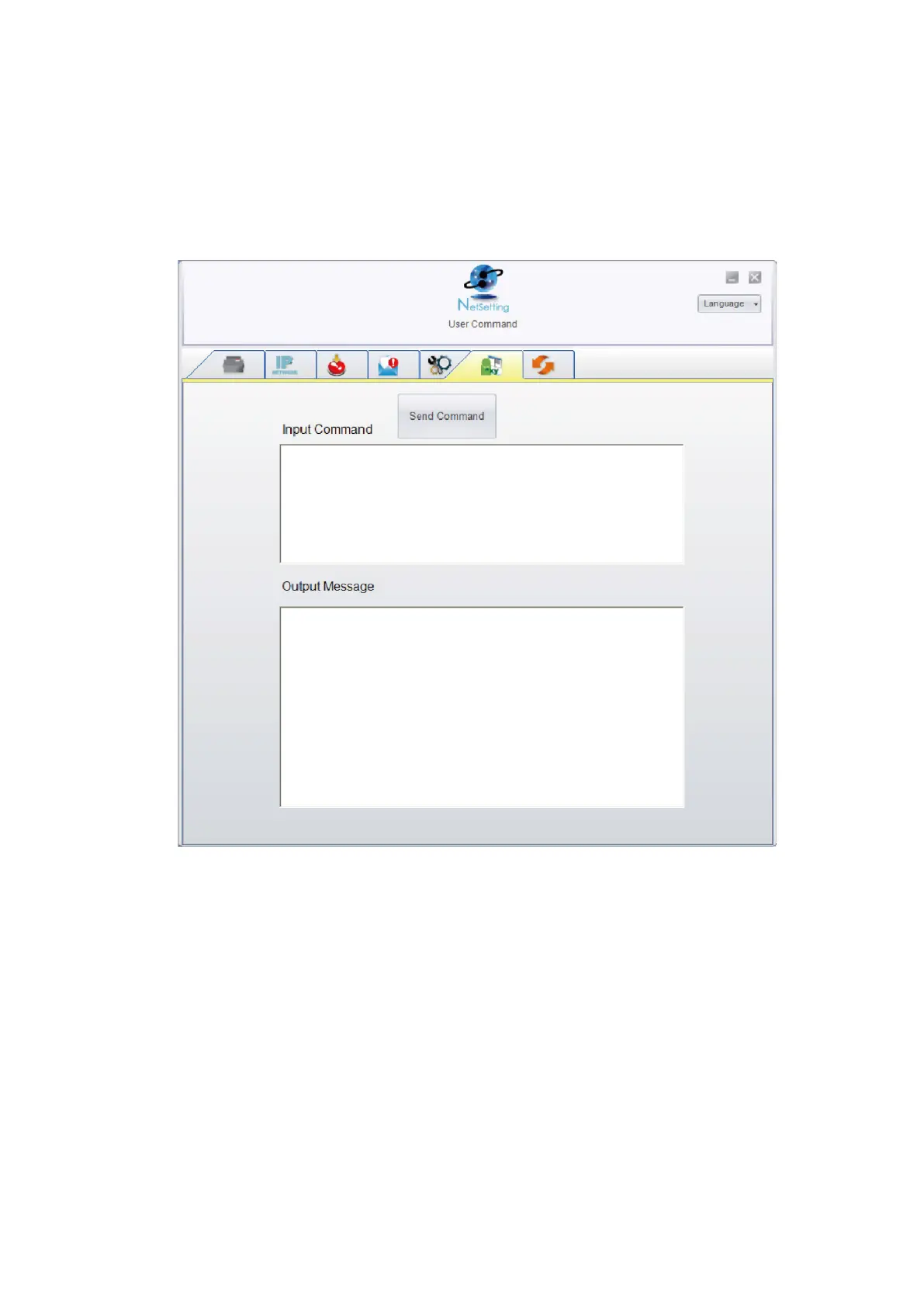
User Command
“The “User Command” tab provides a communication interface for operator to control the printer. Input printer
commands in "Input Command" window and press “Send Command” button, the commands will be sent to the printer.
For some commands that will return response message, the message will be displayed in "Output Message" window.
You can press “Send Command” button to send printer commands via Ethernet port and control the printer remotely



 To Next Page