Software Operation Manual 5
2-3. System menu
System: Select the "Exit" item to close the Control Center.
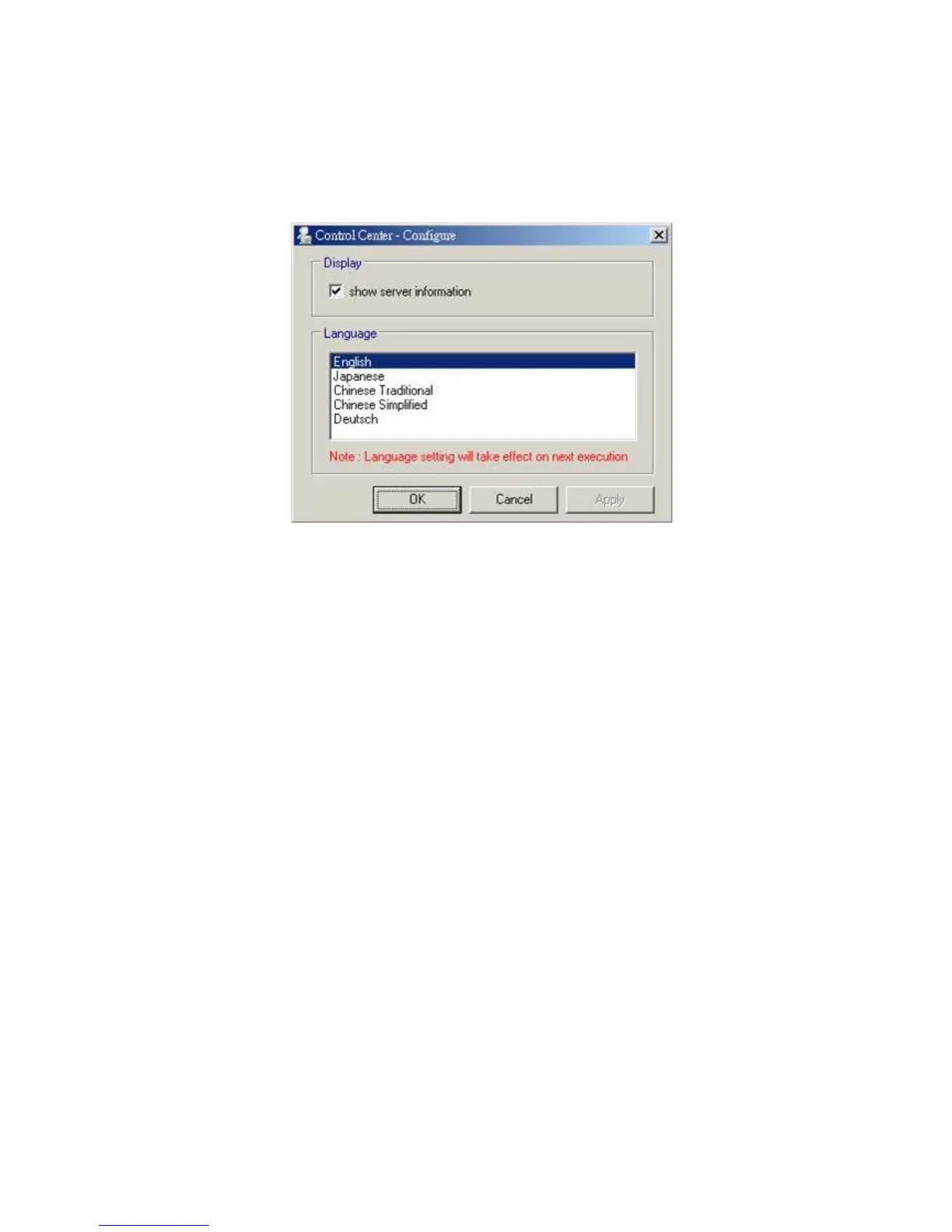
Tools: Select "Configuration" item to configure the Control Center. The configuration includes server
information setting and language setting.
Help: To display the version information of Control Center.
Quitting the Control Center
There are two ways to close the Control Center. The first way is clicking the “X” box (close box) at the top
right corner of the window. The second way is choosing “Exit” item in the “System” menu in the Control
Center.



 To Next Page