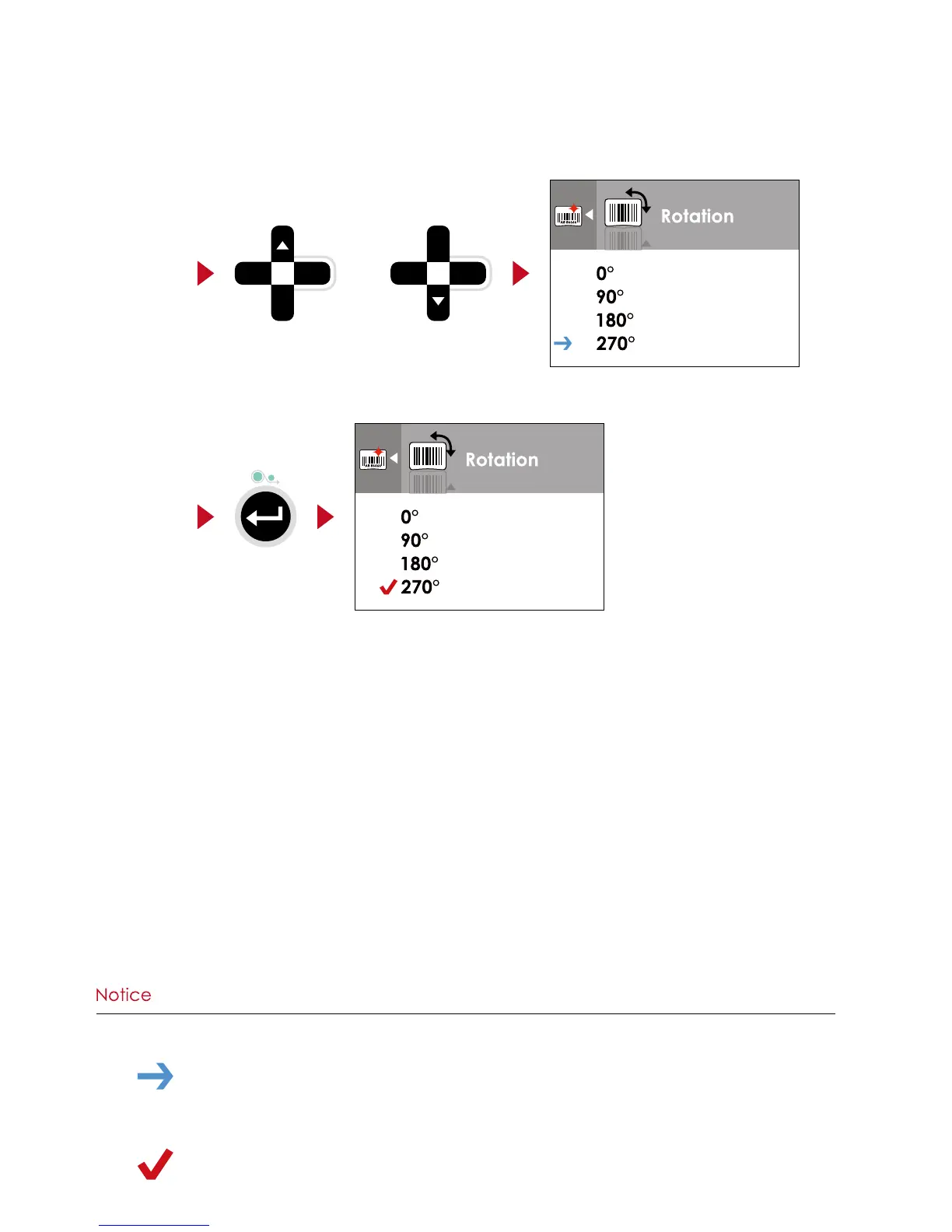
Press FEED button will apply the setting value you just selected, and the red tick will appear to mark the value.
On SETTING VALUE PAGES, press
or
button to change the setting values.
or
Select
Apply
**** The blue arrow indicates the value you are selected.
**** The red tick indicates that the selected value is applied now.



 To Next Page