©ýŢ滵澳滼
\)^
°
°^
;%D
\d%)V
°
°^
;%D
\d%)V
ğ瀲V
滵滶
炜滶澳滵
滽濻滶澼滹濻滶澼滷濻滶澼滶濻滶澼滶濻滷澼滶濻滹澼滶濻滽
炜
滵滷
\
滶濗滶滷滽
VdT)%
©ýŢ滵澳滼
\)^
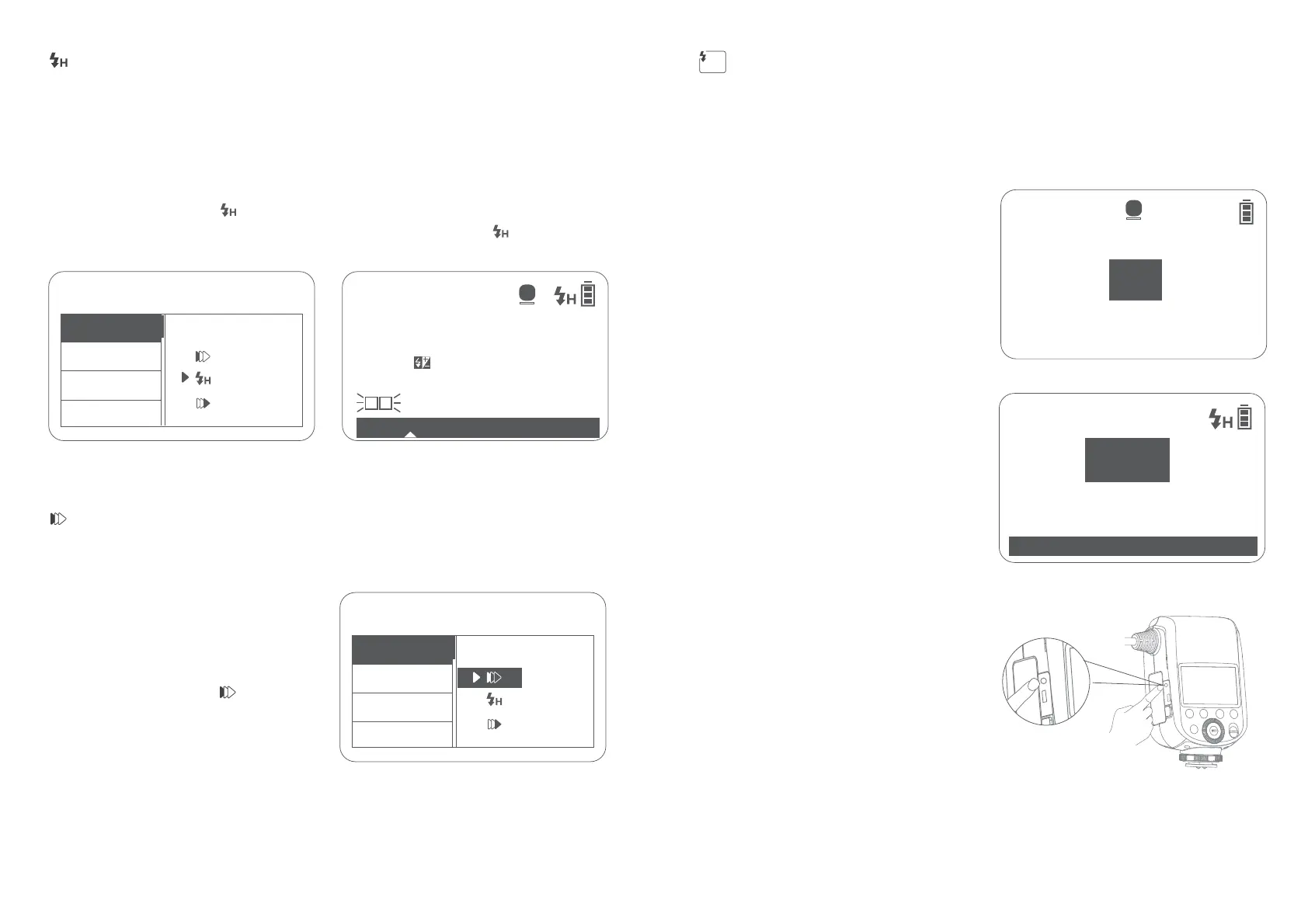
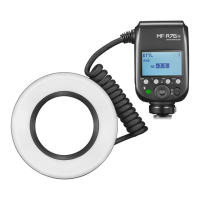
MF-R76N is capable of producing high-speed flashes synchronized to the maximum speed of
the camera's shutter, making it especially handy when taking pictures of the subject at soft
light background.
moment before the second curtain is closed, this function is suitable for shooting scenes in slow
speed shutter.
Select REAR flash in the settings of Nikon camera.
Short press the focus assist beam button to
turn on or turn off the modeling light.
Focus assist beam adjustment: Turn on the
focus assist beam, long press focus assist
beam button to enter the setting interface,
then turn the select dial to adjust in 1-10
stops. After which, long press to exit.
Note: Long press the MENU/lock button won’t work in
menu interface means it’s not locked.
function is suitable for shooting scenes in general situations.
1. Short press the MENU/lock button to
enter the menu settings.
2. Turn the select dial to <SYNC>.
3. Short press the SET button to enter
setting.
4. Turn the select dial to < >
5. Short press the MENU/lock button to
return to the main interface.
Note: The minimum power of M (manual) flash is 1/64 when HSS is on.
1. Short press the MENU/lock button to enter the menu settings.
2. Turn the select dial to <SYNC>.
3. Short press the SET button to enter setting.
4. Turn the select dial to < >
5. Short press the MENU/lock button to return to the main interface, the < > icon will be on
the right upper corner.
High Speed Sync
First Curtain Sync
Second Curtain Sync
Focus Assist Beams
Long press the MENU/lock button to lock or
unlock the display.
Short press any button in locked status
won’t work, and that’s to avoid maloperation
in shooting.
Locking Function
The sync cord or trigger plug can be inserted
Sync Cord Jack Trigger
34 35
REAR


 To Next Page