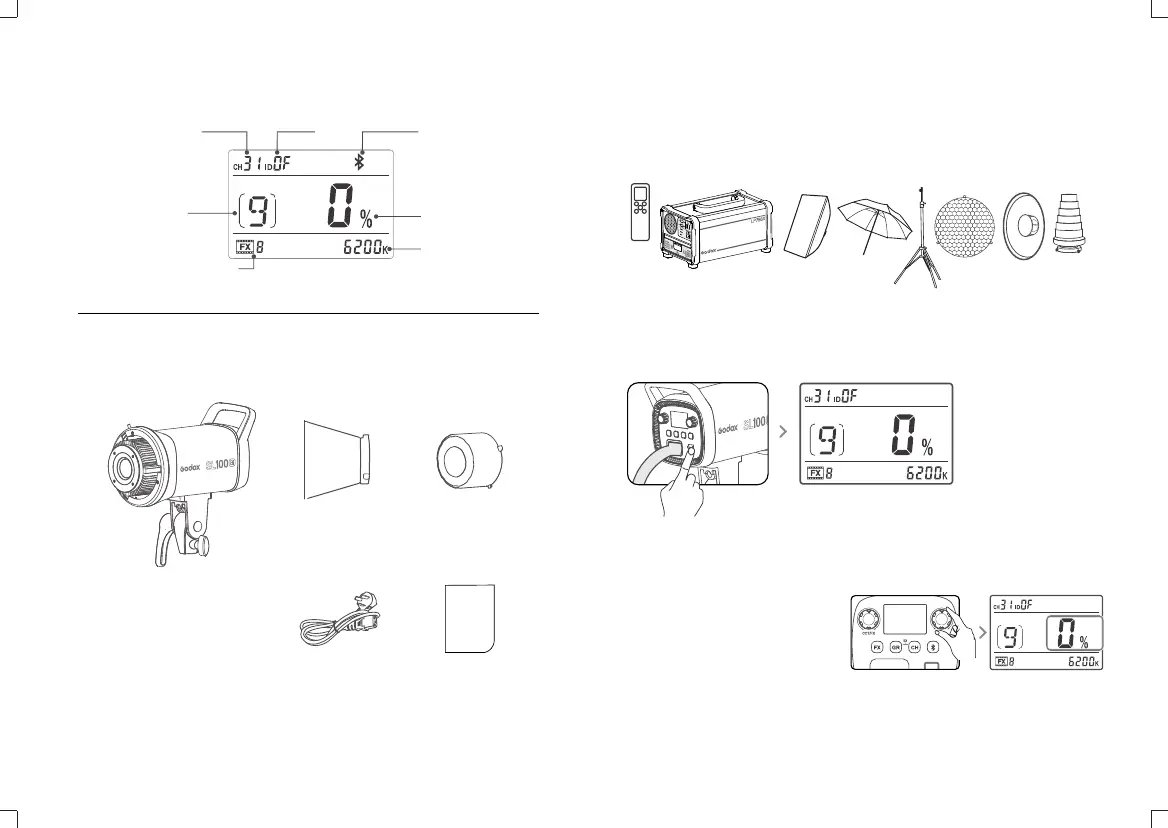
LCD Panel
Channel
Group
Light Effects
ID
Power/Brightness
Color Temperature
What’s in the Box
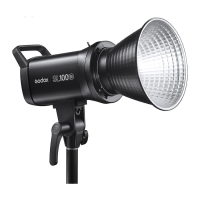
Light Body *1
Reflector *1
Protection Cover *1
Power Cord *1
Instruction Manual *1
Optional Accessories
Power Source
Operation
The product can be used in combination with the following accessories sold
separately, so as to achieve best photography effects: RC-A6 Remote Control,
Power Inverter, Softbox, Photographic Umbrella, Light Stand, Honey Comb,
Beauty Dish, Snoot, etc.
Connect the LED light to power source with power cable. Then, press the
power switch to turn it on off.
Brightness Adjustment: turn the
DIM dial to adjust brightness
from 0% to 100%. Turn the CCT/FX
dial to decrease the value while
rightwards to increase.And
adjust 1 value in normal operation
while 10 values in quick operation.
- 11 - - 12 -
Bluetooth


 To Next Page