1/4
ZOOM
SYNC
V0.2
BLUE.T.
BEEP
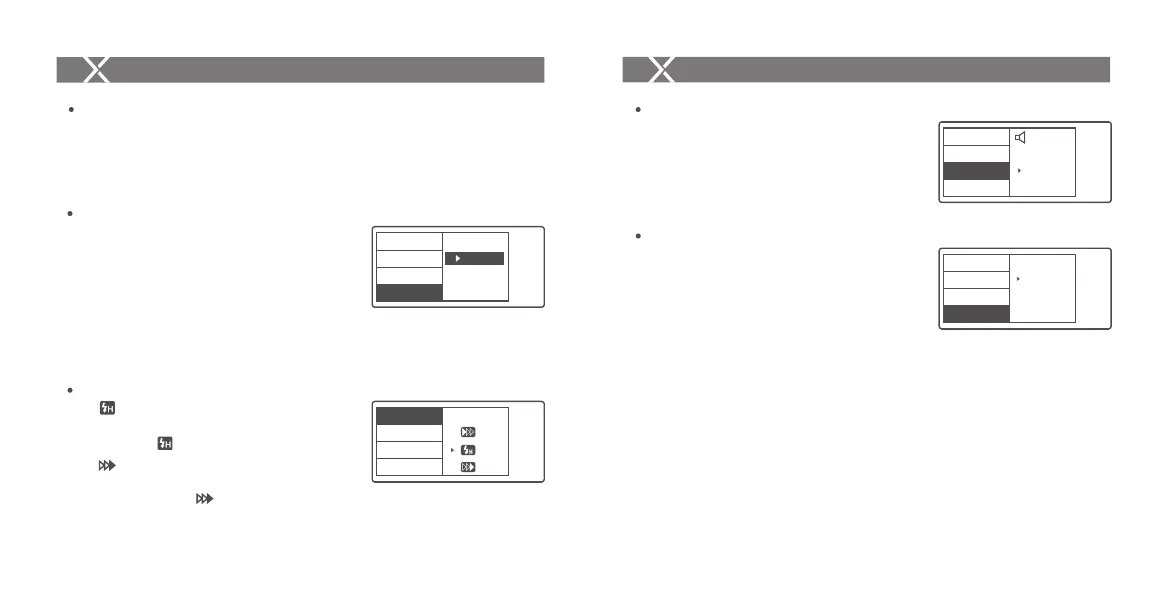
Modeling Lamp Settings
1. Long press the <MENU> button for 2 seconds to
control the ON/OFF of the modeling lamp.
Setting the Flash Trigger
1/4
ZOOM
SYNC
V0.2
BLUE.T.
BEEP
OFF
ON
1. High-speed sync: short press the <MENU>
button to enter the SYNC menu. Choose high-speed
sync icon and is displayed on the LCD panel.
2. Second-curtain sync: short press the <MENU>
button to enter the SYNC menu. Choose second-
curtain sync icon and is displayed on the LCD
panel.
Shutter Sync Settings
Press the <MENU> button to enter C.Fn BEEP and
press the <SET> button. Choose ON to turn on the
BEEP while OFF to turn off it. Press the <MENU>
button again to back to the main menu.
Buzz Settings
Setting the Flash Trigger
ZOOM Value Settings
Short press the <MENU> button to enter the ZOOM
menu. Short press the <SET> button and turn the
select dial, and the ZOOM value will change from
AUTO/24 to 200. Choose the desired value and back
to the main menu.
Note: The flash’s ZOOM should be set to Auto (A) mode before
responding.
SYNC
V0.2
1/4
BLUE.T.
BEEP
ZOOM
24
SCAN
V0.2
2/4
CH
ID
IN
OUT
PC SYNC
1. Press the <MENU> button to enter C.Fn SYNC
and press the <SET> button to choose IN or OUT.
Press the <MENU> button again to back to the
main menu.
1.1 When choosing IN, this sync socket will
enable X2T-C to trigger flash.
1.2 When choosing OUT, this sync socket will
send trigger signals to trigger other remote
control and flash.
Sync Socket Settings
- 34 -- 33 -



 To Next Page