DEVICE SETUP
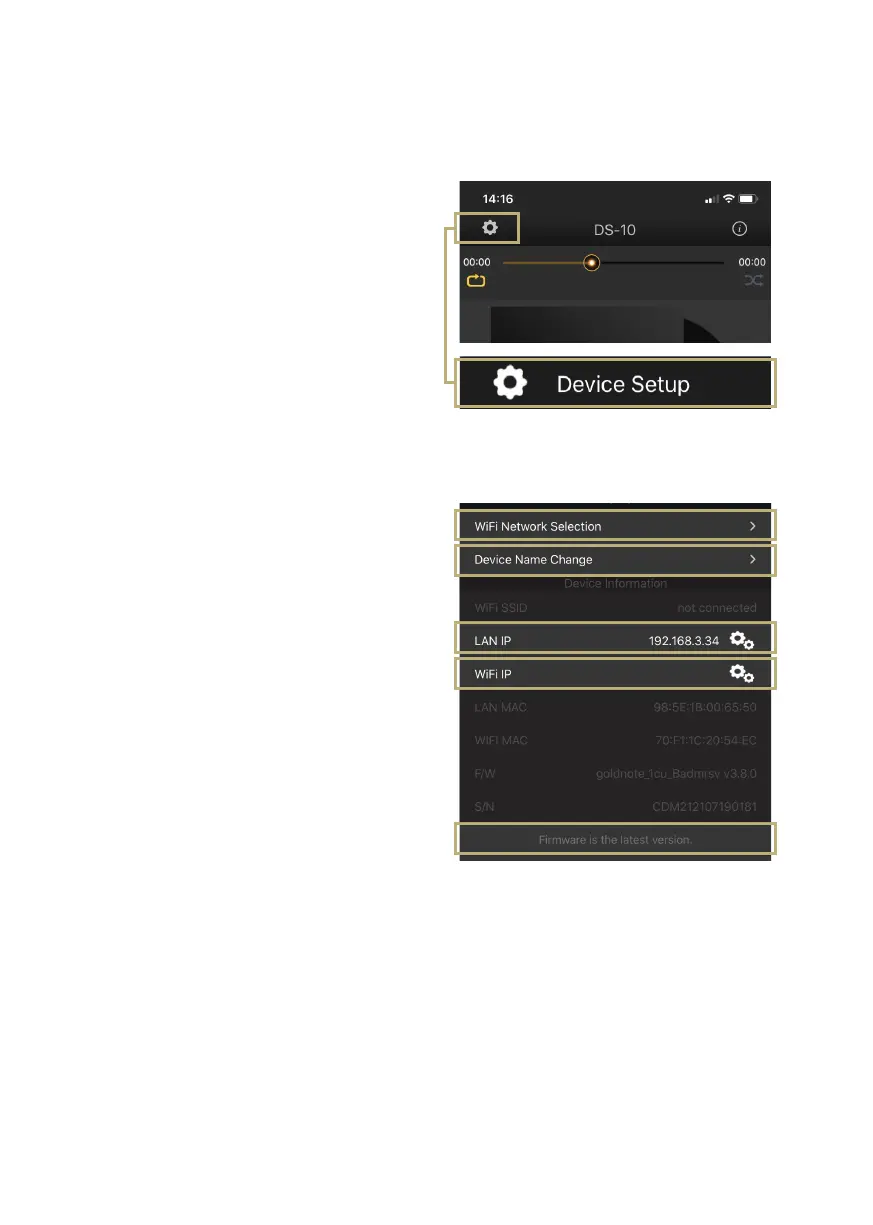
Tap the setup icon found at the top left
corner of the Player screen and then Device
Setup to access device setup menu.
Here you can change the name of the DS-10
(as shown on other connected devices), the
Wi-Fi, see the rmware version your DS-10 is
running and check for new rmware updates.
WiFi network
Connect the device to a different Wi-Fi
network.
Device name change
Rename the device on the network.
LAN IP
LAN static IP address setup.
Wi-Fi IP
Wi-Fi static IP address setup.
Firmware update
If there is a new rmware update available,
the app noties it.
19



 To Next Page