4
RIAA
RIAA
RIAA
| QUICK START
ON/OFF
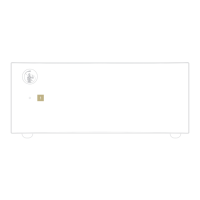
1 Use the Master Switch on the rear panel
to power the PH-5. When the Master
Switch is ON, the PH-5 is on standby and
the status LED is red.
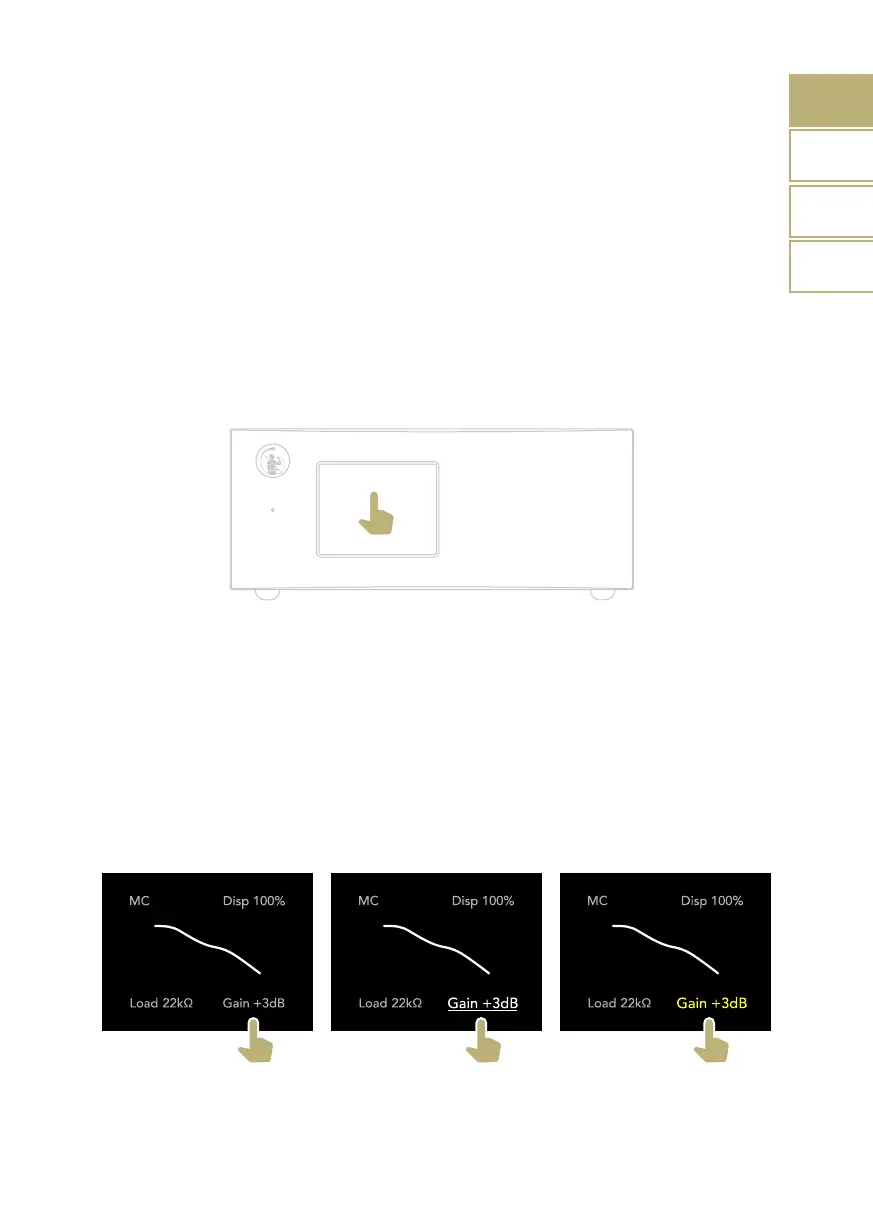
2 Tap the display and hold for 1 second to
turn ON the PH-5. The status LED turns
blue.
HOW TO SELECT FUNCTIONS
1 To adjust a setting, tap it once to
highlight it (see image 2).
2 Tap again to confirm the selection (see
image 3).
3 The setting is now active, tap to adjust it
until the desired value is selected.
4 All changes are saved automatically in
real time, after 3 seconds the selection is
deactivated.
3 When the PH-5 is ON, tap and hold on
the display for 1 second to turn it OFF.
The status LED turns red.
Tap and hold
for 1 second
1 2 3
Tap to highlight Tap to select Tap to adjust
EN
DE
IT
FR



 To Next Page