Advanced Menu
Chapter 4
1. Time Settings
2. System Information
3. GPS Information
4. Reset GPS
5. NMEA Output
34
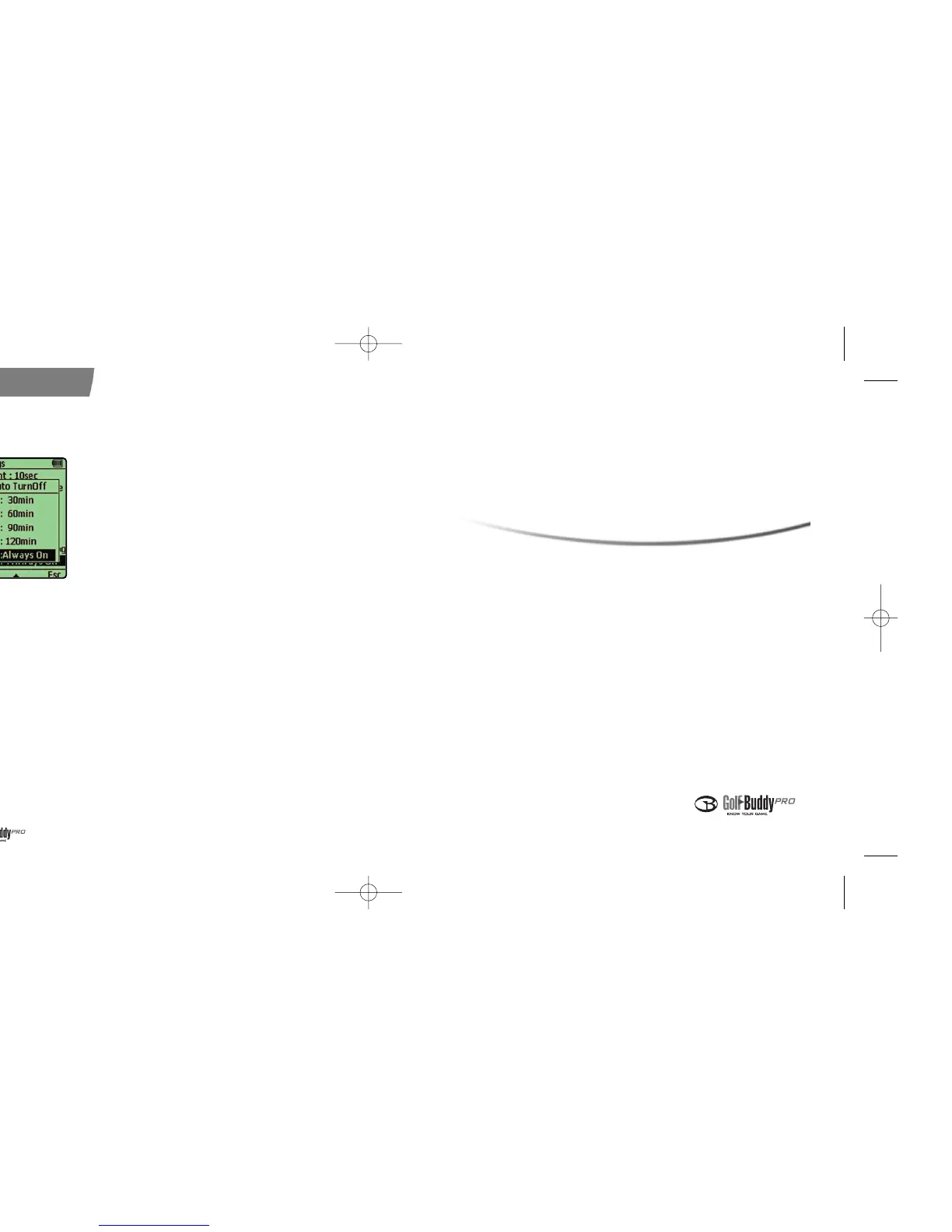
10. Automatic Power Off
●
This setting allows you to select the
automatic power off time interval.
※ Available intervals are 30min, 60min, 90min,
120min, Always on. Factory default setting is
“Always On”.
< Auto Off >
데카매뉴얼-영문0415 2008.4.15 8:4 PM 페이지34


 To Next Page