17
●
Checking for Stable Satellite Signal
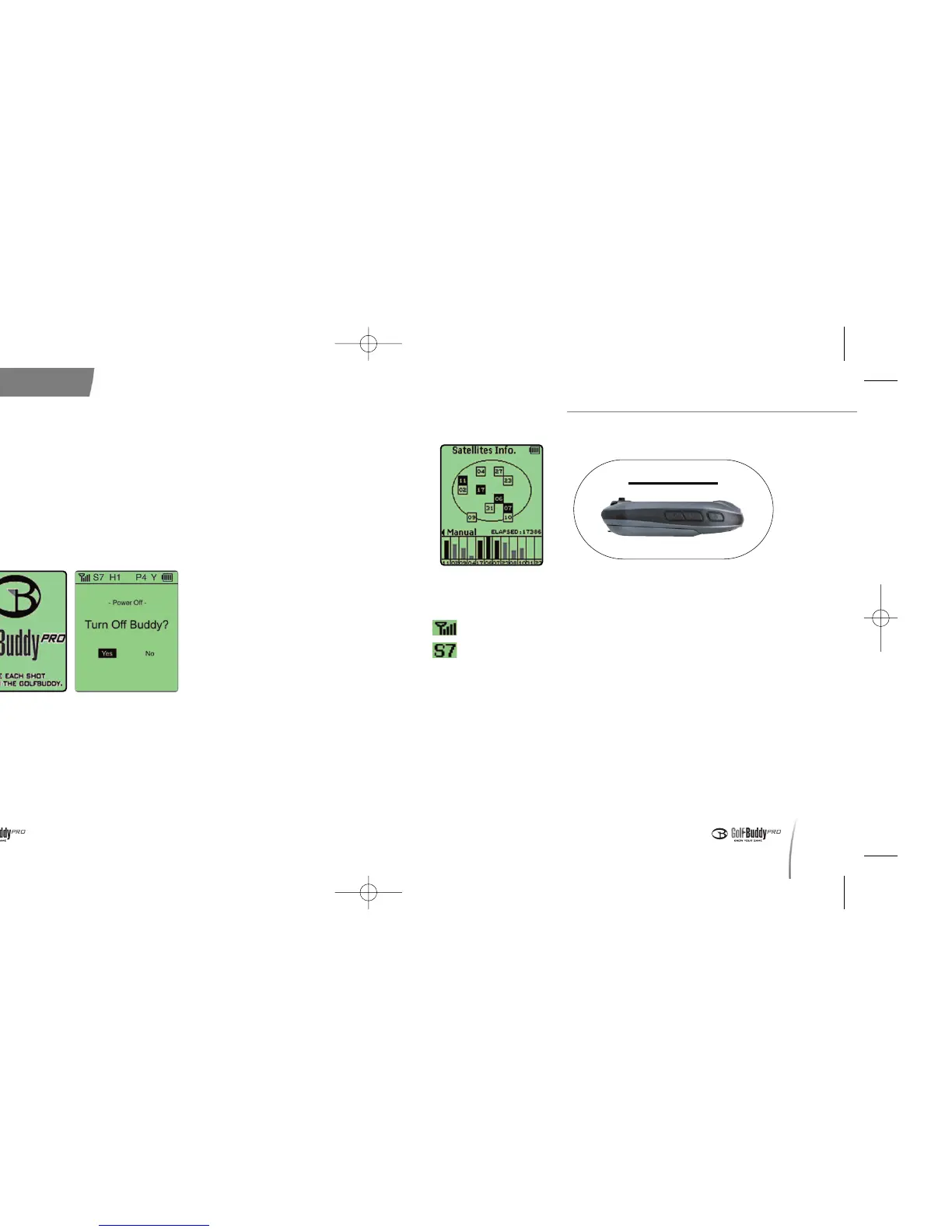
- Satellite reception indicator
- Satellite strength indicator S7 indicates a good signal
strength.
- This number will blink and decrease when the satellite signal is unstable.
※ If your satellite signal is unstable, walk to a wide-open area and wait a few
moments until your unit indicates a signal strength of “S5”or more.
●
View GPS Information: You may view detailed GPS information at
[Main Menu - Advanced Menu - View GPS Information]. (In order to
access this menu, you must first set your preferences on the
Advanced Menu.)
●
The GolfBuddy does not require you to manually select the course
Basic Instructions
16
1. Powering On and Off
●
To power on your unit, press and hold the power button until it turns
on. Once the GolfBuddy is powered on, the GolfBuddy logo will
appear on the screen, followed by the satellite connection diagram.
●
To power off your unit, press and hold the power button. The screen
will then display [Power Off?]. Using your toggle stick, highlight and
select “Yes” to turn off your GolfBuddy.
2. Establishing Satellite Signal
●
Power on your unit while facing it up towards the sky. Keep your
GolfBuddy steady for 1~2 minutes to establish a satellite signal.
(Initial satellite connection takes 3~5 minutes)
< Power On/Off >
< Acquiring Satellite Signal >
데카매뉴얼-영문0415 2008.4.15 8:4 PM 페이지16



 To Next Page