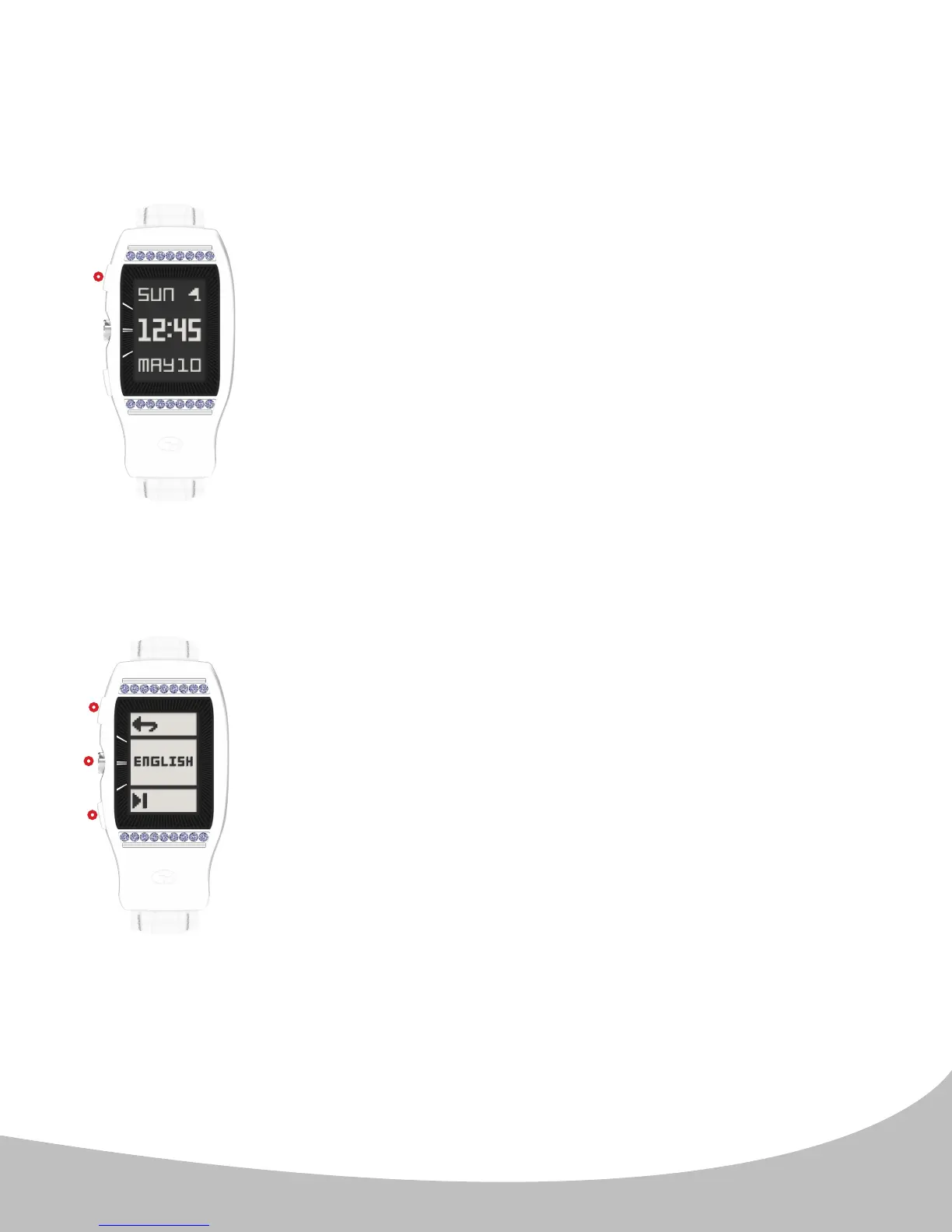
From the Home (time) screen (image A.), press and hold the upper
button ( I. ) for 10 seconds to access the Language Menu.
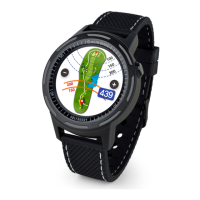
Once you access the Language Selection Menu (image
A.), press the lower button ( III. ) until the desired language is
displayed. Press the center button ( II. ) to set the language. Once
you have selected the desired language, the watch will return to
the home (time) screen and the day/month will read in your chosen
language.
Pressing the upper button ( I. ) while in the language screen will
return you to the Home (time) screen without changing the setting.
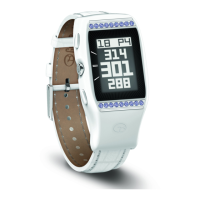
The LD2 has 5 dierent language settings: English, Français, Deutsch, Italiano and
Español. The default language is English. To change the language setting:
Note: The language setting only aects the Day and Month on the Home (Time) screen
(image A.).
6
3. LANGUAGE SELECTION
II.
III.
I.
I.
A.
B.


 To Next Page