Best installation area
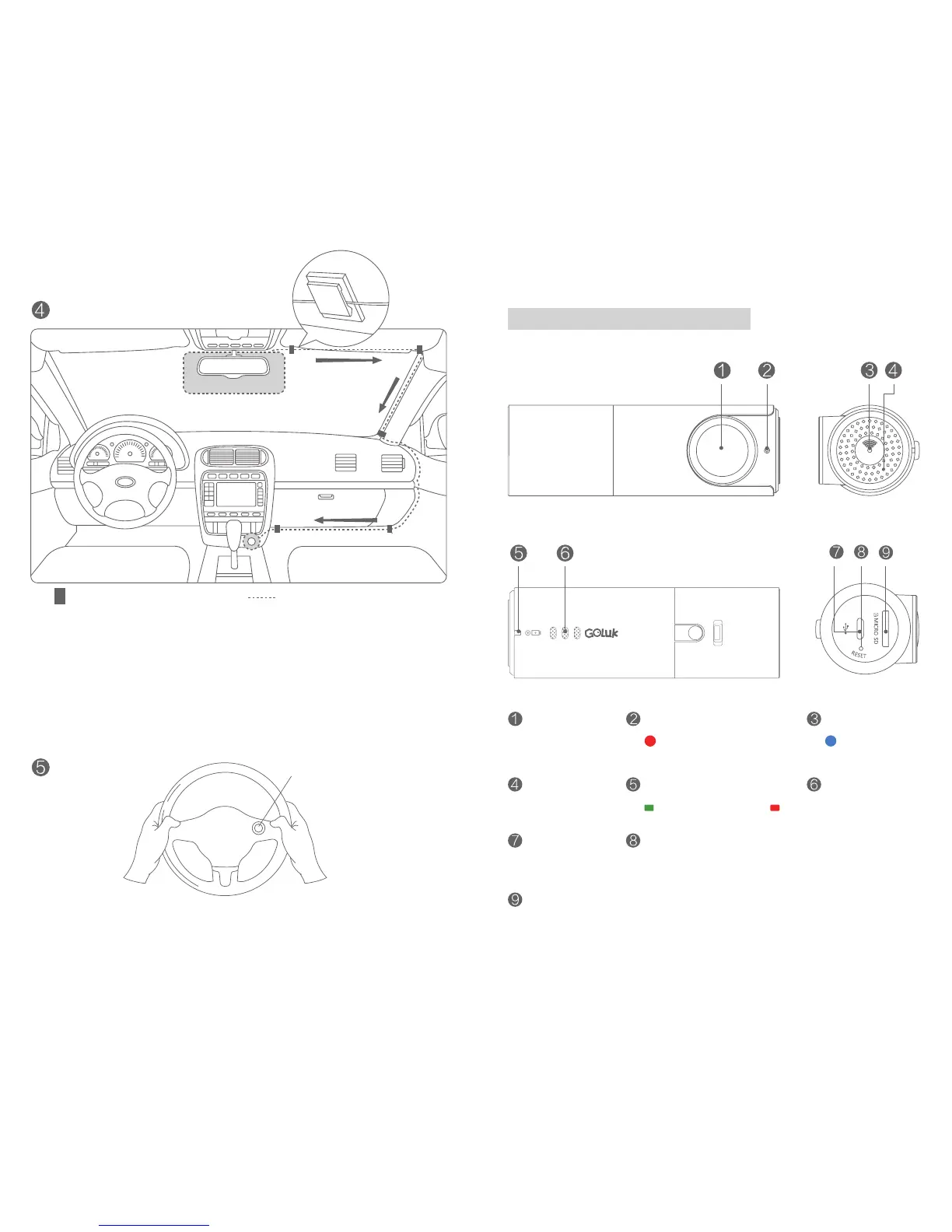
Fasten the cable with card buckles
Connect the vehicle charger
4. Connect the Camera socket and vehicle charger with power cable.
Fasten the cable as suggested in the picture above. Once your
vehicle is started, the Camera will turn on automatically with an alert
tone indicating start of operation. (In certain types of vehicle, such as
Focus, GL8, Elysee, Cadillac CTS, etc., the cigar lighter does not cut
power automatically after the engine stops. Although the Camera will
enter sleep mode automatically to reduce power consumption, please
better unplug the charger during prolonged parking.)
Instructions
Diagram:
Camera
Microphone
USB port
Micro SD(TF) storage card slot
Please use Class 10 or above. 64GB maximum.
Security Indicator
Security mode on
Power/Recording Indicator
Connected to power
Start recording
Wi -Fi Indicator
Connected to
mobile client
Speaker
Reset Button
Press for 6 seconds to reset to factory settings
Positions of card buckles
Route of fastening the cable
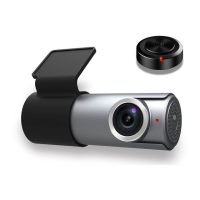
Wireless remote: Capture
nice videos anytime.
5. Attach the provided wireless remote on your steering wheel or
other convenient areas to t your need.
3 4


 To Next Page