16
6 Switching on and off
6.1 Manually switching
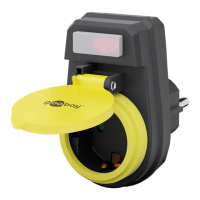
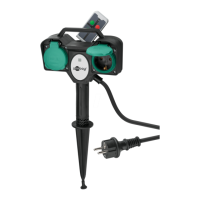
• Press on the front side of the 2-way radio garden socket 1 time each
to switch it on or off.
If the Operating LED inside the switch of the 2-way radio garden socket
shines, voltage is supplied.
6.2 Remote switching
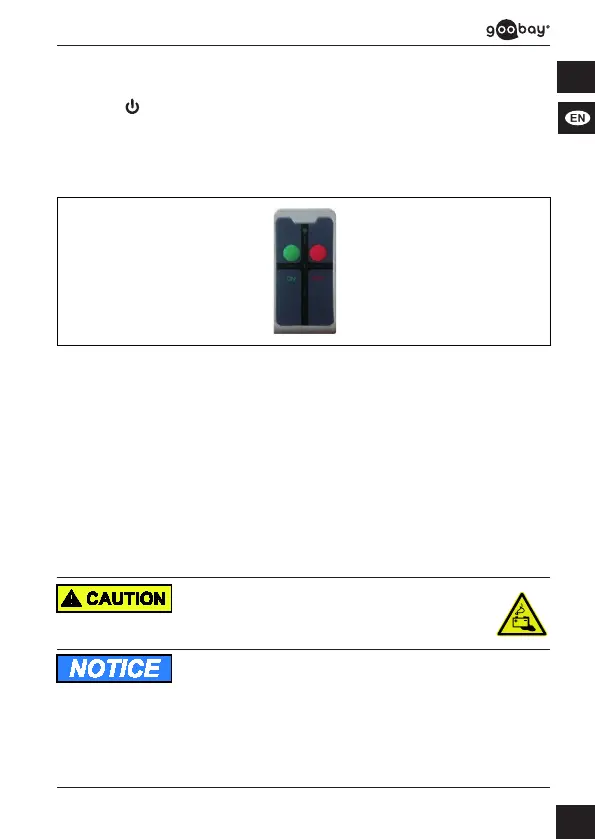
Fi g. 4: Remote switching
1. Switch the 2-way radio garden socket ON or OFF via remote control.
The Operation LED of the remote control shines when pushing the button.
Doesn‘t the Operation LED of the remote control shine, there is no battery
inside the battery compartment or the inserted battery is empty or set in
wrong polarity.
2. Check,if
a) there‘sabatteryinsidethebatterycompartmentinrightpolarity.
b) thecorrectinsertedbatteryisempty.
If the Operation LED inside the switch of the 2-way radio garden socket
shines, voltage is supplied.
7 Maintenance, Care, Storage and Transport
Theproductismaintenance-free.
Battery hazards
Thebatteryisreplaceable.
• Disposeleaked,deformedorcorrodedbatteriesbyappropriate
protectives.
Material damage
• Only use a dry and soft cloth for cleaning.
• Do not use detergents or chemicals.
• Store cool and dry.
• Storetheproductoutthereachofchildrenandinadryand
dust-protectedambiencewhennotinuse.
• Remove batteries / rechargeable batteries when not in use.
• Keepandusetheoriginalpackagingfortransport.


 To Next Page