14
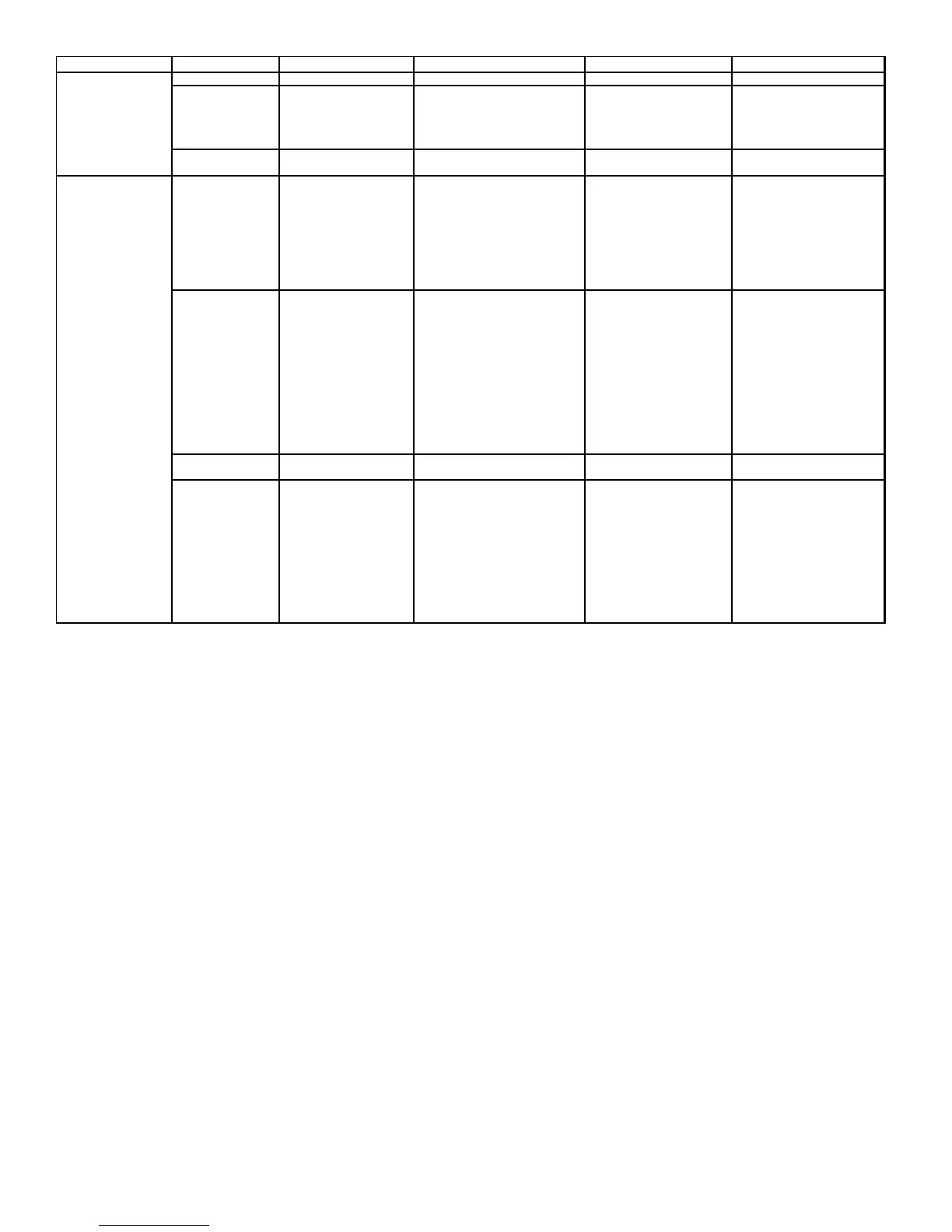
LED LED Status Indication Possible Causes Corrective Action(s) Notes & Cautions
Off • Normal condition • None • None • None
• Depress once quickly for a
power-up reset
• Depress and hold for 2
seconds for an out-of-box
reset
• Control power up
• Learn button depressed
• No power • No power to furnace • Check fuses and circuit
breakers; replace/reset
• Communications error • Open fuse • Replace blown fuse
• Communications error • Check for shorts in low
voltage wiring system
• Reset network by
depressing learn button
• Check data 1/ data 2
voltages
• Broken/ disconnected data
wire(s)
• Check communications
wiring (data 1/ data 2
wires)
• Turn power OFF prior to
repair
• AC/HP is installed as a
legacy/ traditional system
• Check wire connections at
terminal block
• Verify wires at terminal
blocks are securely twisted
together prior to inserting
into terminal block
• Verify installation
type (legacy/ traditional or
communicating)
• Check data 1/ data 2
voltages
Rapid Flashing • Normal network traffic • Control is “talking” on
network as expected
• None • None
• Data 1 and data 2 wires reversed
at indoor unit, thermostat, or
CT compatible outdoor unit
• Check communications
wiring (data 1/ data 2
wires)
• Turn power OFF prior to
repair
• Short between data 1 and
data 2 wires
• Check wire connections at
terminal block
• Verify wires at terminal
blocks are securely twisted
together prior to inserting
into terminal block
• Short between data 1 or
data 2 wires and R
(24 VAC) or C (24 VAC
common)
• Check data 1/ data 2
voltages
• None
Green Receive LED
Off • Turn power OFF prior to
repair
1 Steady Flash • No network found
On Solid • Data 1/ Data 2 miss-wire
Red Communications
LED
• Depress LEARN Button
2 Flashes • Out-of-box reset • None
1 Flash • Communications Failure • Communications Failure



 To Next Page