Page 7
OWNER'S MANUAL
TSTATG1152-2
Normal Operation
Programmed Operation
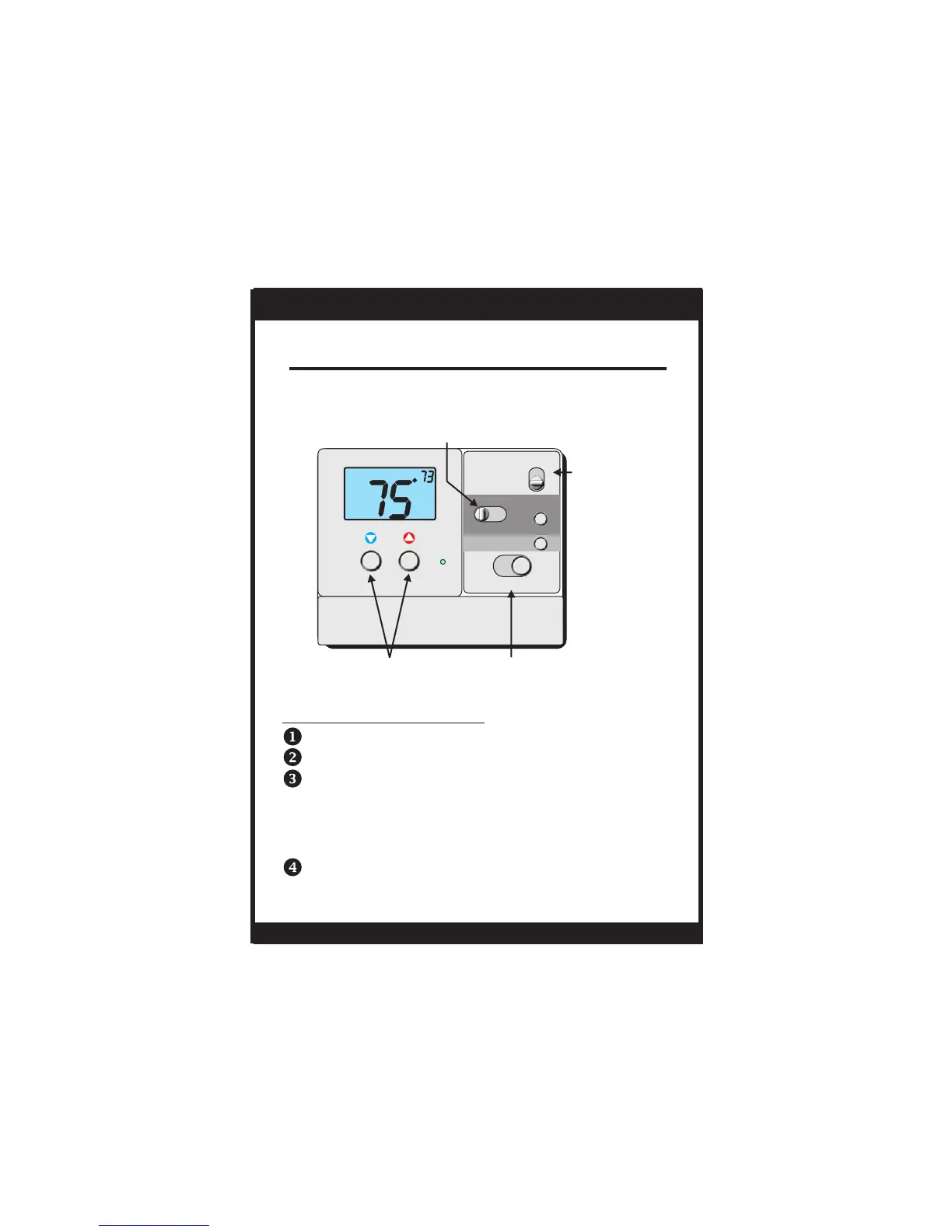
Select Cool or Heat with the Mode Switch.
Normally leave the fan switched to Auto.
In Fan Auto, the fan will turn on only with a heat
or cool demand. When Fan On is selected, the
fan will run continuously.
The desired set temperature may be temporarily
overridden. The thermostat will revert to the
programmed settings in the following time period.
Select RUN with the Program Switch.
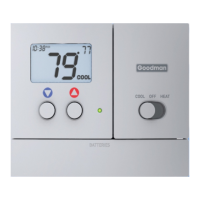
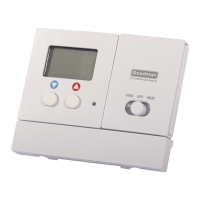
COOLER & WARMER
BUTTONS
PROGRAM SWITCH
RUN program
Program OFF
SET program
MODE SWITCH
Cool, Off, or Heat
SET
HEAT
Su
PM
I2:00
:
BATTERIES
COOL
OFF
PROGRAM
RUN OFF SET
RESET
FILTER
FAN
NEXT
HEAT
On or Auto
FAN SWITCH
AUTO
ON


 To Next Page