Need help?
Do you have a question about the Goodmans 320GB and is the answer not in the manual?
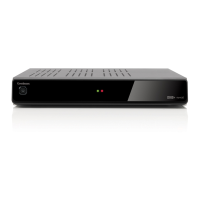
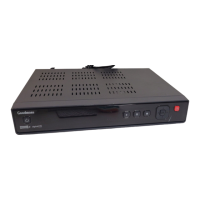
Description of the controls and indicators on the front panel of the recorder.
Description of the connections and ports on the rear panel of the recorder.
Explanation of the functions of various buttons on the remote control.
Instructions on how to connect the recorder to an HD Ready television.
How to insert batteries into the remote control.
Instructions for plugging in, switching on, and the first-time installation process.
Using time-shifting features to pause and rewind live broadcasts.
How to set reminders for programmes.
How to record programmes and resolve recording conflicts.
How to play back and preview recorded programmes.
Important safety guidelines for using the equipment.
 General
| Hard Drive Capacity | 320GB |
|---|---|
| Storage Capacity | 320GB |
| Recording Resolution | Standard Definition |
| USB Port | Yes |
| HDMI Output | Yes |
| Scart Socket | Yes |
| Tuner Type | Digital |

 To Next Page