System information
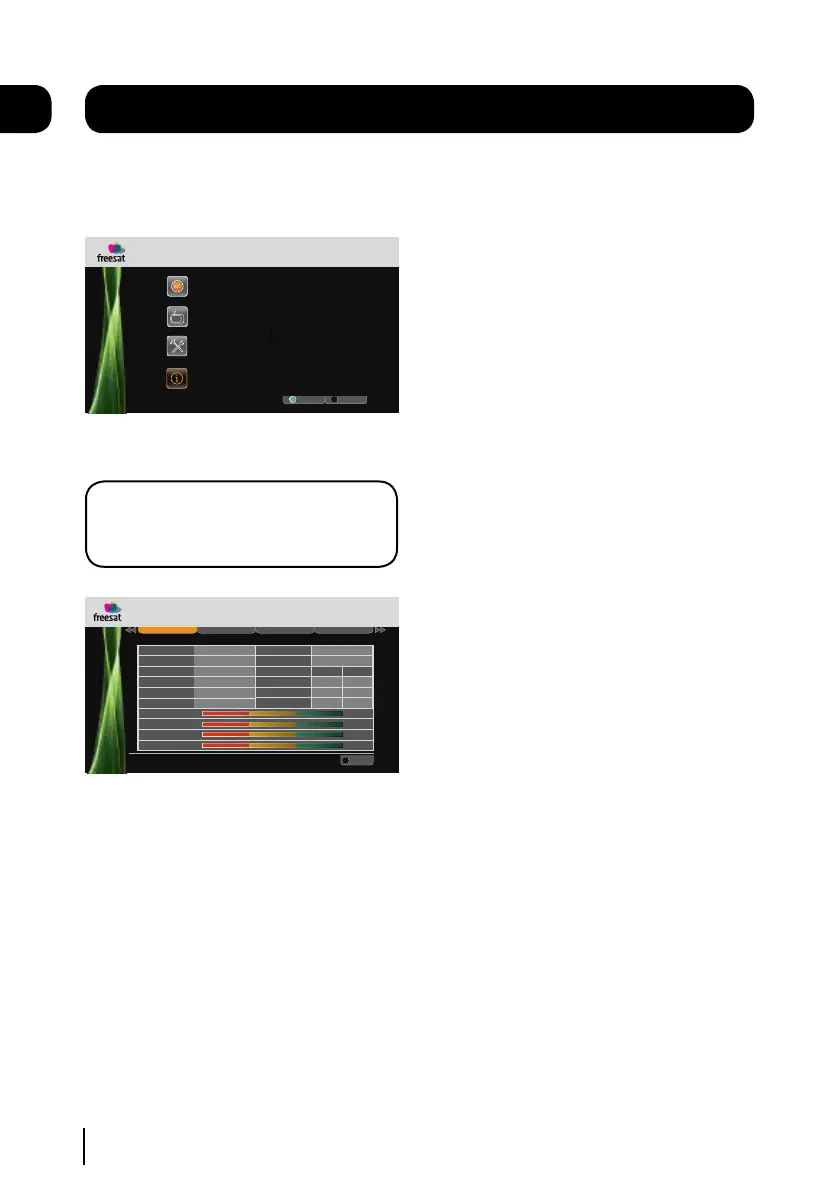
To open the system information window press
the [MENU] button on the remote control and
then select ‘System Information’.
.
8:00pm 8:30pm 9:00pm
Weds 8 Oct
Select
Exit Menu
Fri 14 Oct 8:22pmMain Menu
Settings
System Information
Recordings
Channel List
EXIT
OK
Press the [OK] button to confirm.
DON’T FORGET! It is useful to have access
to the system information screen when
contacting the call centre
System
HDD Control Network USB
R
Exit Menu
.
Manufacturer
Model Number
Hardware Version
Serial Number
Software Version
Goodmans
00
12345678
V1.1
V1.5
Weds 28 Jan 1:22pm
Information
Helpline Number
0871 230 4695
.
T u n e r s
Network ID
Tuner 1 Tuner 2
003b
Transport ID
07dd
Postcode
Region
CM1 1WZ
Anglia
Tuner 1 Signal Strength 100%
Tuner 1 Signal Quality 100%
Tuner 2 Signal Strength 100%
Tuner 2 Signal Quality 100%
Lock Indicator
OK
003b
0802
OK
EXIT
If you want to view a different information
category press the [tt] or [uu] buttons.
To close any of the settings screens, press the
[EXIT] button.
10
21


 To Next Page