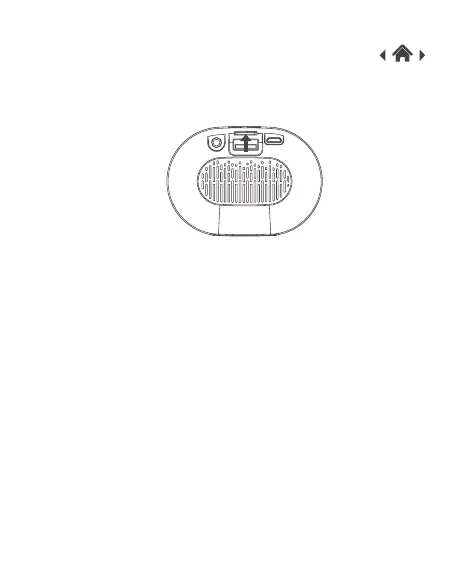
Note: When you connected Line-in cable or insert USB / TF card,
your Portable Bluetooth Speaker will automatically disconnect
with your Bluetooth devices.
1. Press and hold the power button to turn your speaker on.
2. Insert a TF card into the TF card slot. It will automatically play the
music.
3.6 Using the TF Card Function



 To Next Page