EasyManua.ls Logo

Goodmans 334149 - User Manual

Goodmans 334149
15 pages
Print Icon
To Next Page IconTo Next Page
Loading...
USER MANUAL
MODEL: 334149
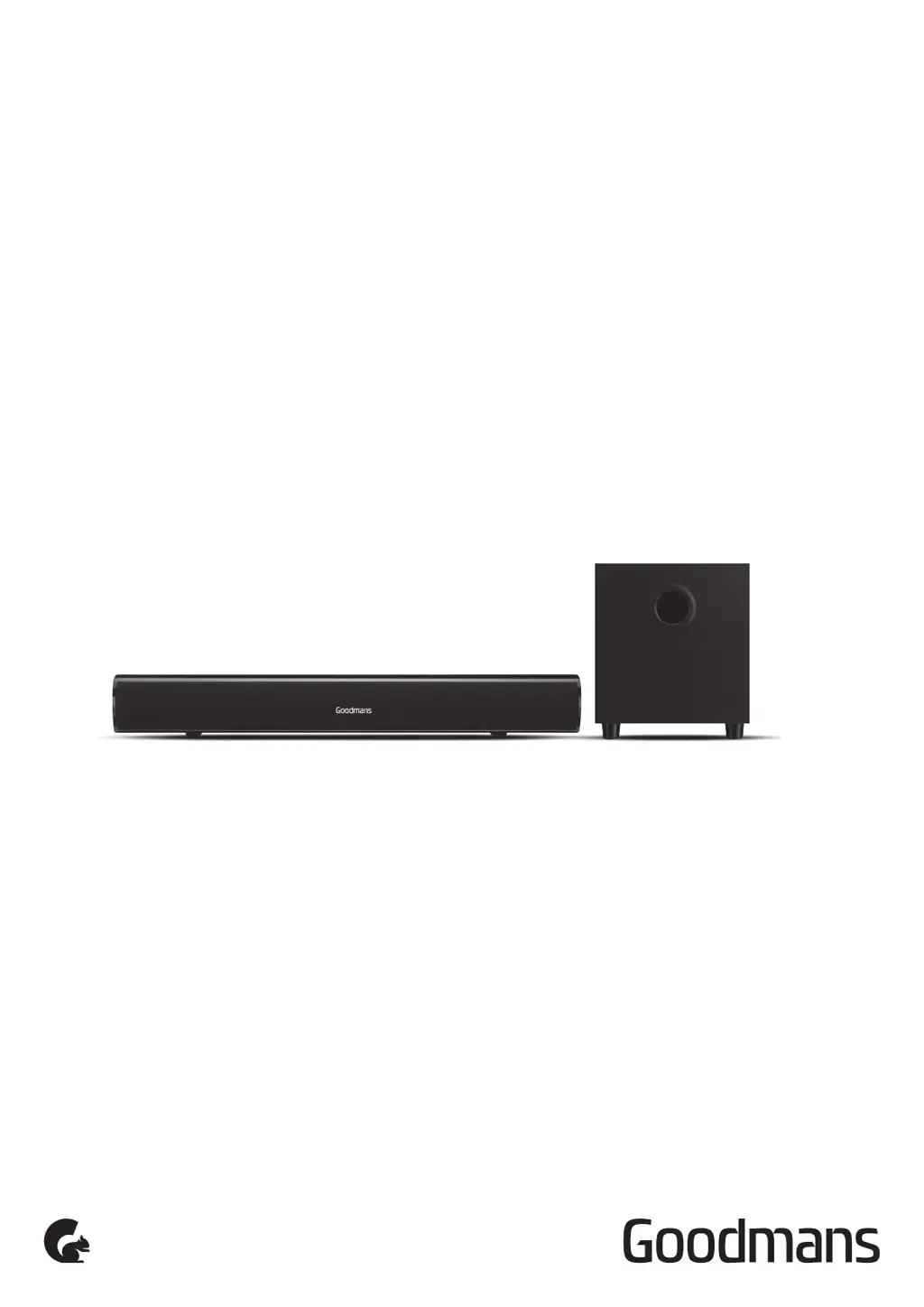
55W 2.1 BLUETOOTH SOUNDBAR
AND SUBWOOFER

Questions and Answers

Summary

Welcome and Product Overview

Product Introduction

A brief welcome and introduction to the Goodmans Bluetooth Soundbar and Subwoofer.

Mains Power Requirements

Specifies the required mains supply voltage and precautions for use.

Placement Guidelines

Details optimal placement locations and areas to avoid for the soundbar.

Soundbar and Subwoofer Overview

In The Box Contents

Lists all items included with the soundbar and subwoofer package.

Front View Identification

Identifies the speaker component on the front of the soundbar.

Side View Controls and Ports

Details the buttons and ports located on the side of the soundbar.

Rear View Connections

Identifies the input/output sockets on the rear of the soundbar.

Remote Control Functions

Explains the functions of each button on the remote control.

Remote Control Battery Installation

Provides step-by-step instructions for inserting batteries into the remote control.

Quick Setup Guide

Power On;Off and Input Selection

Guides on turning the unit on/off and selecting input modes.

Auto Power Off Feature

Explains the automatic power-off feature when no audio signal is detected.

Adjusting Volume Level

Details how to control the sound volume using the side panel buttons.

Soundbar Operation

Selecting LINE IN Input

Instructions for selecting the LINE IN audio input mode.

Selecting AUX IN Input

Instructions for selecting the AUX IN audio input mode.

Selecting Bluetooth Mode

Guides on pairing and connecting Bluetooth devices to the soundbar.

Selecting OPTICAL IN Input

Instructions for selecting the OPTICAL IN audio input mode.

Wall Mounting Instructions

Wall Mounting Accessories

Lists the accessories provided for wall mounting the soundbar.

Wall Mount Bracket Installation

Illustrates how to attach the wall mount bracket to the wall.

Audio Connections

Connecting the Subwoofer

Instructions for connecting the subwoofer to the soundbar's output.

Connecting via RCA to 3.5 mm Cable

Guides on connecting the soundbar to a TV using an RCA to 3.5mm cable.

Connecting via Optical Cable

Instructions for connecting the soundbar to a TV using an optical cable.

Connecting via Line In Cable

Details connecting the soundbar using a 3.5mm line-in cable.

Connecting via Bluetooth Device

Guides on pairing and connecting the soundbar via Bluetooth.

Setup Assistance

Connecting Soundbar to TV via RCA

Illustrates connecting the soundbar to a TV using RCA cables.

Connecting Soundbar to TV via Headphone

Guides on connecting the soundbar to a TV via its headphone socket.

Connecting to a Mobile Device

Via LINE IN Connection

Play music from mobile devices via LINE IN connection.

Via Optical Connection to TV

Connects soundbar to TV via optical cable if TV has optical-in.

Sound Interference Precautions

Warns about potential sound interference with certain cables and placement.

TV Speaker Settings for Soundbar

Advises on disabling TV speakers for optimal soundbar performance.

Bluetooth Connection Considerations

Explains Bluetooth connectivity for music playback and limitations with Smart TVs.

Troubleshooting Common Issues

Soundbar No Power Issues

Troubleshooting steps for when the soundbar does not power on.

No Sound Output Troubleshooting

Troubleshooting steps for when there is no audio output from the soundbar.

Remote Control Not Working

Troubleshooting steps for when the remote control is not working.

Bluetooth Connectivity No Sound

Troubleshooting steps for no sound when using Bluetooth.

Technical Specifications

Model, Power, and AC Adapter Details

Lists model number, power supply, and AC adapter specifications.

Audio Output and Impedance Specs

Details audio power output and impedance for each channel.

Bluetooth and Frequency Specs

Provides Bluetooth version, frequency bands, and modulation type.

Environmental and Storage Conditions

Specifies the recommended environmental and storage conditions.

Customer Support and Safety

Product Support Contact Information

Provides the email address for product support inquiries.

EU Declaration of Conformity Link

Links to the EU declaration of conformity for the product.

WEEE Recycling Information

Information regarding the WEEE directive for recycling electronic equipment.

Safe Sound Level Guidelines

Advises on safe sound levels to prevent hearing damage.

Power Supply Usage Warning

Instruction to use only power supplies listed in the user manual.

Goodmans 334149 Specifications

General IconGeneral
BrandGoodmans
Model334149
CategorySpeakers
LanguageEnglish

Related product manuals