EasyManua.ls Logo

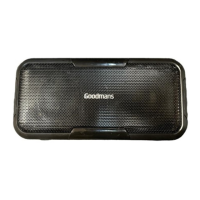
Goodmans 335230 - User Manual

Goodmans 335230
9 pages
Print Icon
To Next Page IconTo Next Page
Loading...
USER MANUAL
MODEL: 335230
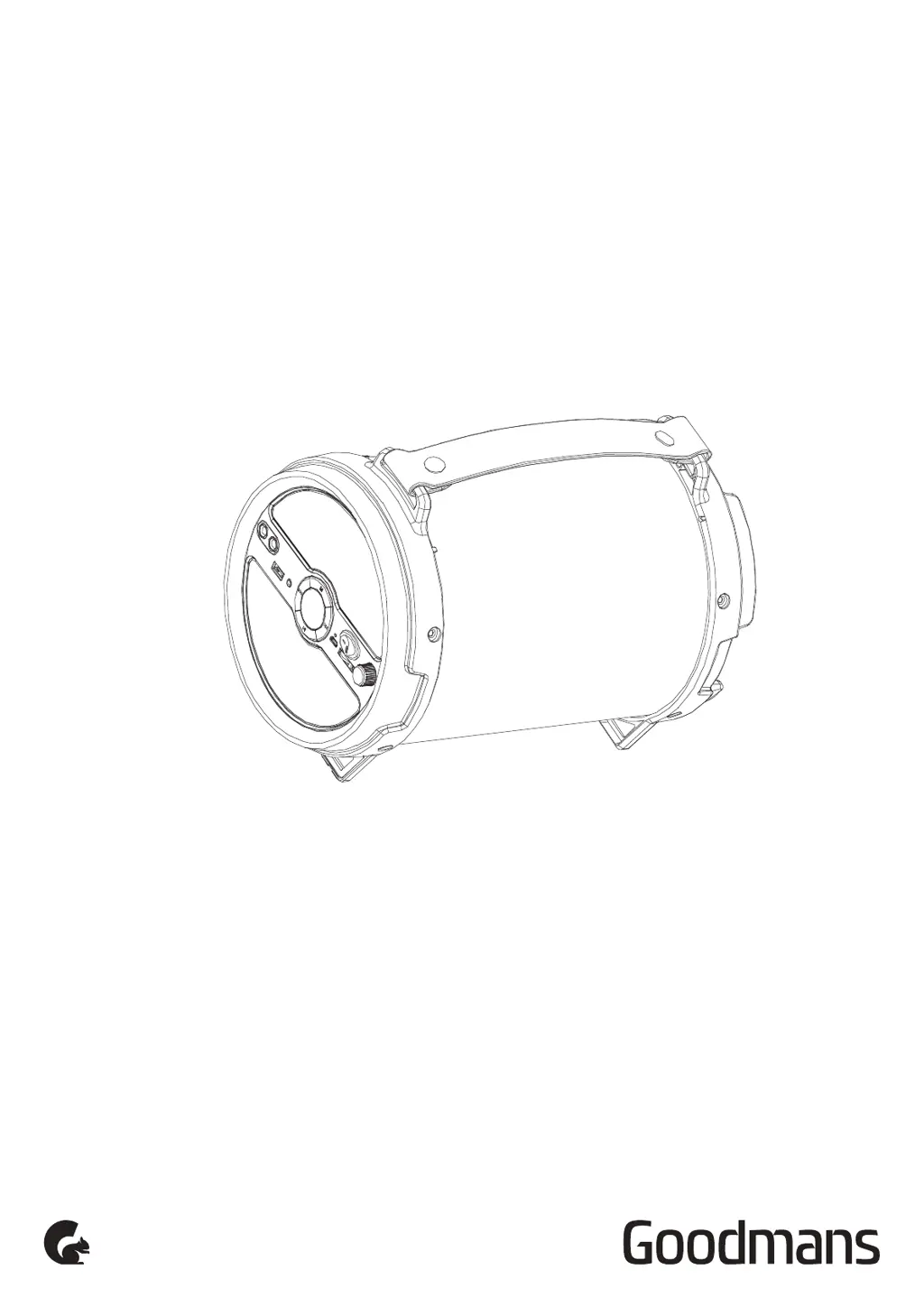
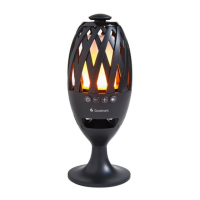
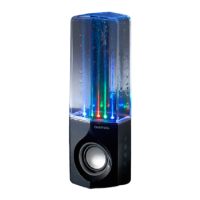
EXTRA BASS LED TUBE SPEAKER
WITH MULTICOLOUR LIGHT EFFECTS

Questions and Answers

  • A
    andrew77Aug 3, 2025
    What to do if my Goodmans 335230 Speakers have no sound?
    • Z
      zbellAug 3, 2025
      If your Goodmans Speakers aren't producing any sound, there could be several reasons: * Ensure that both the speaker and the input device are powered on. * Check that the volume isn't set too low on either the speaker or the input device, and increase it if necessary. * Verify that audio playback isn't paused; if it is, press the Play button. * If the speaker is battery-powered, the battery might be low. Try recharging it.
  • M
    Mariah HunterAug 13, 2025
    Why is the sound distorted on my Goodmans 335230?
    • J
      jeffrey54Aug 13, 2025
      Sound distortion from your Goodmans Speakers typically occurs when the volume is set too high. Try decreasing the volume on both the speaker and your input device to resolve this issue.
  • F
    Fernando CurtisAug 23, 2025
    How to fix low sound level on Goodmans Speakers?
    • C
      Christopher MurphyAug 23, 2025
      If you're experiencing a low sound level on your Goodmans Speakers, the input volume of your device might be too low. Increase the volume on both your speaker and the input device to improve the sound level.

Summary

Product Overview

Power Requirements

Specifies the required mains supply (5V, 1A output) and advises disconnecting the power cord when fully charged.

Front Panel Overview and Controls

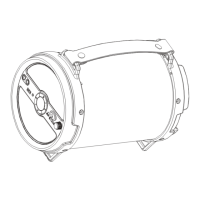
Details the physical layout of the speaker, identifying ports, buttons, and indicator lights on the front panel.

Quick Setup

Operation

Connection

Initial Charging and Power

Instructions on connecting the power adapter for charging and how the LED indicator signifies charging status.

Connecting via Bluetooth Device

Explains the process of pairing the speaker with a Bluetooth device, including LED indicators.

Troubleshooting

Troubleshooting Low Sound

Addresses low sound issues by suggesting volume adjustments on the speaker and input device.

Technical Specification

Goodmans 335230 Specifications

General IconGeneral
BrandGoodmans
Model335230
CategorySpeakers
LanguageEnglish

Related product manuals