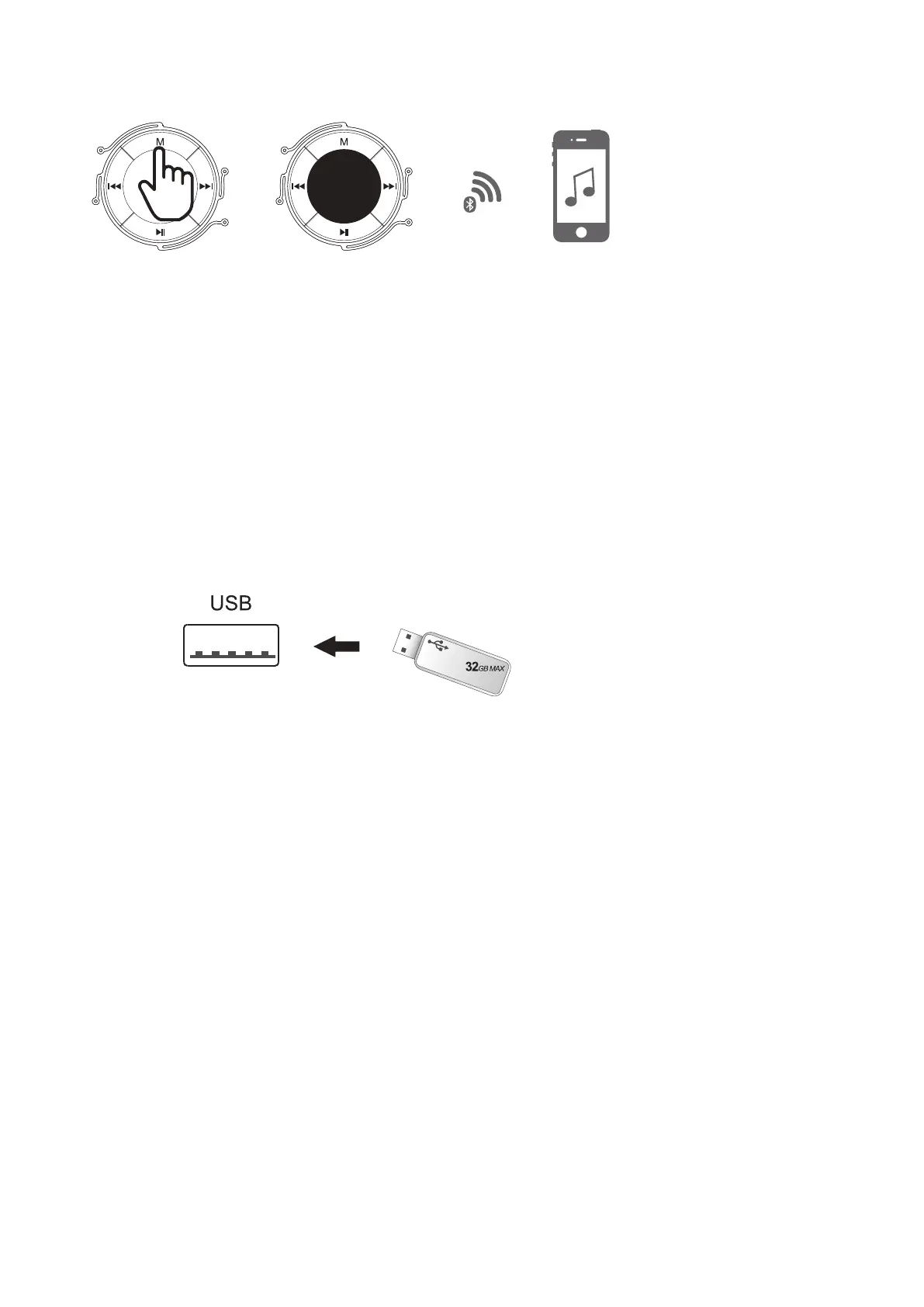
1.Plug the USB disk into slot.
2.Press the MODE button once to change to USB mode. The audio files on the USB
stick will start to play automatically.
3.Adjust the volume to the desired level.
1. Press the mode button on your Extra Bass LED Tube Speaker and select BT mode.
2. Connect to the Extra Bass LED Tube Speaker by switching on Bluetooth on your device
and select <GOODMANS TUBE> from the list.
The LED on the speaker will flash slowly, and you will hear “Bluetooth Connected”
when the devices are connected.
3. Adjust the volume to the desired level.
CONNECT VIA USB DISK
CONNECT VIA BLUETOOTH ENABLED DEVICE
LED flashes quickly (Waiting for pairing)
LED flashes slowly Bluetooth Connected
bt



 To Next Page