334149
Quick Setup3
Power On/Off and Function Selection
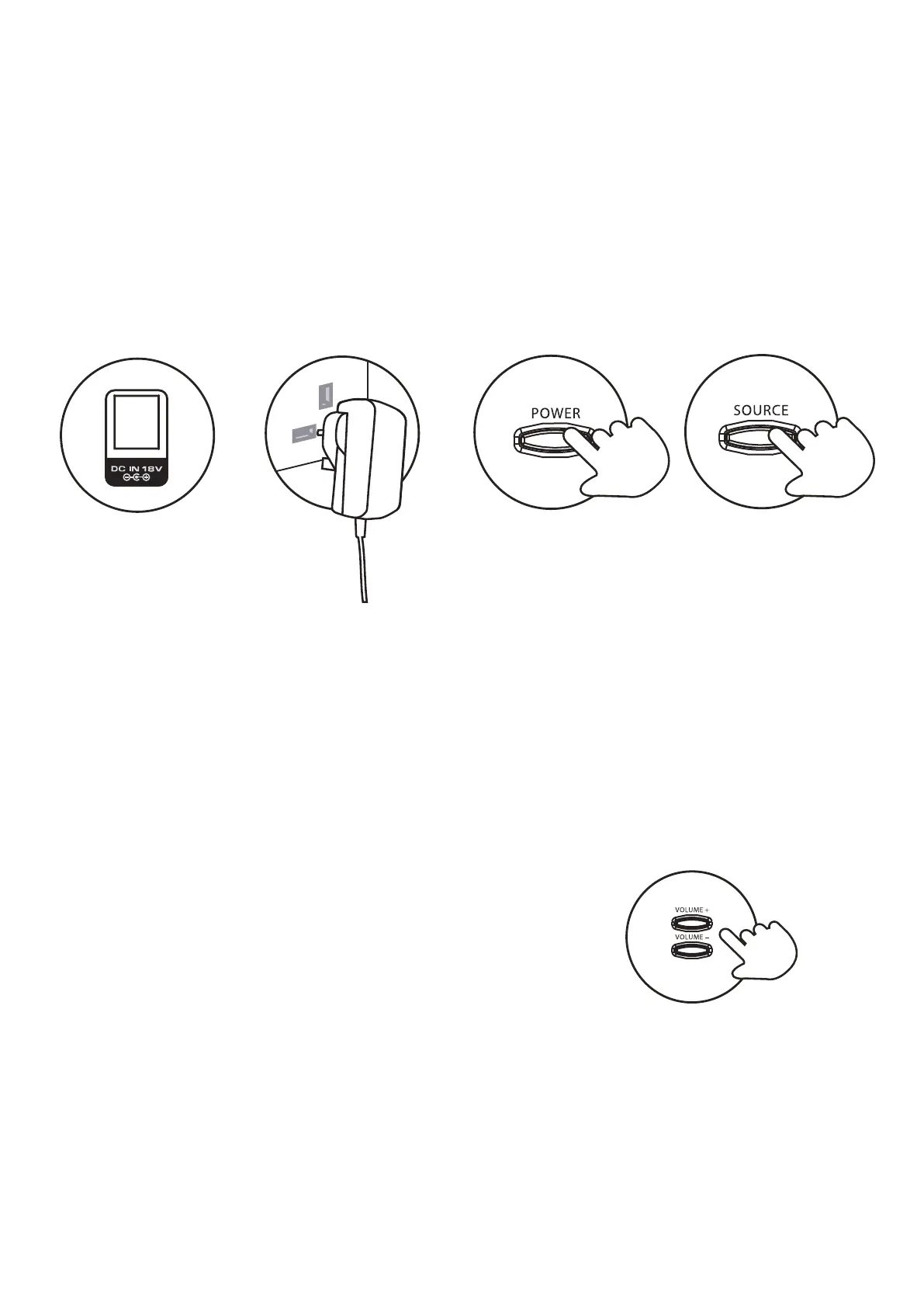
1. This 55W 2.1 soundbar with passive subwooferis supplied with a mains adaptor.
2. I
The unit will be in standby mode and the red LED will be illuminated.
nsert the UK plug into a household power socket, and
switch the power on.
3. Press the POWER button to turn the unit on.
4. Press the SOURCE button to select Bluetooth/Line in/Aux/Optical mode.
3.1
To connect the power insert the small end in the rear of the unit.
Auto Power Off
If no audio signal is continuously detected from the selected mode for more than 20 minutes,
the unit will power-off automatically.
3.2
Adjusting the Volume
Press the + button or - button on the side panel of the soundbar to adjust the volume to
a comfortable level.
3.3



 To Next Page