EasyManua.ls Logo

Goodmans 365112 - User Manual

Goodmans 365112
24 pages
Print Icon
To Next Page IconTo Next Page
Loading...
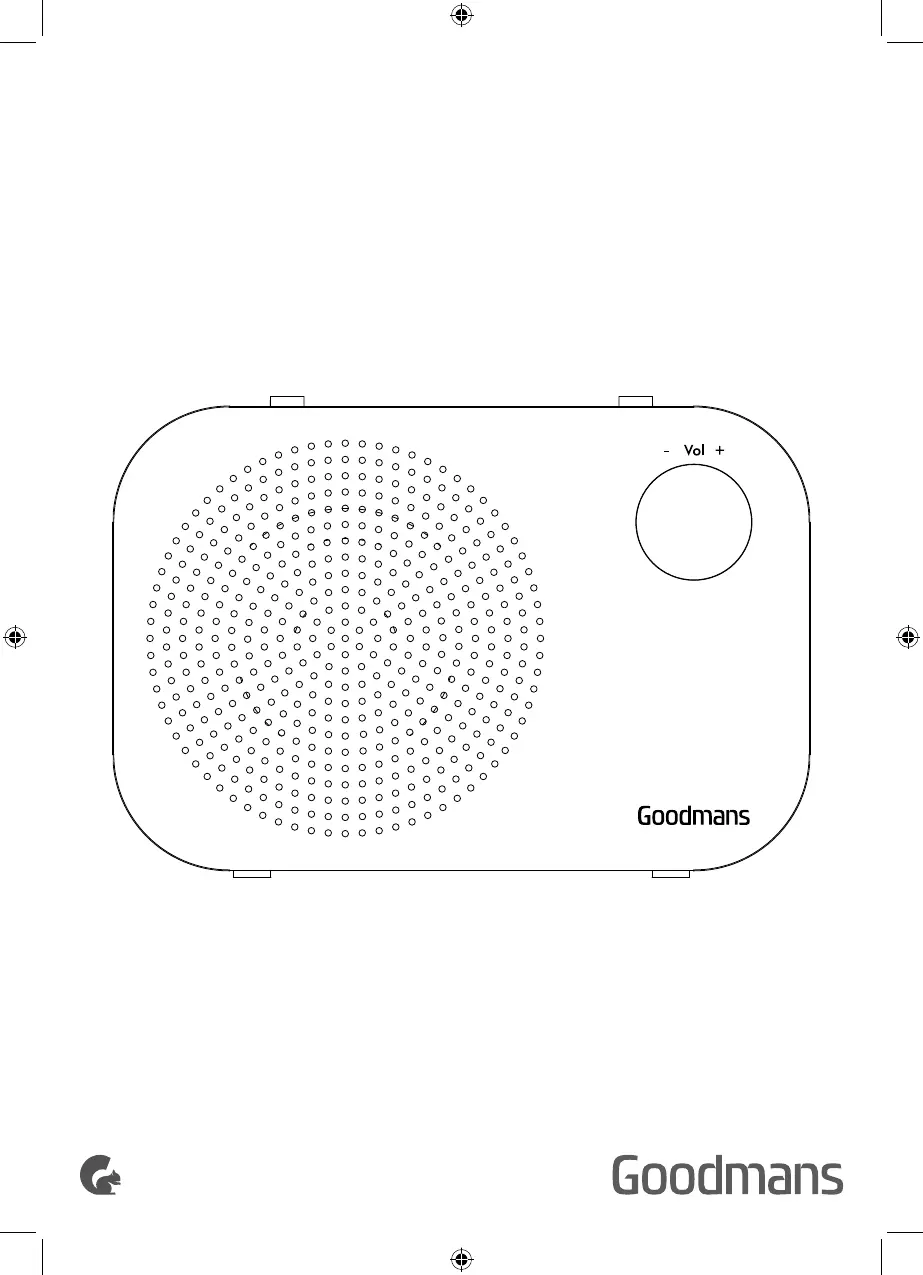
DAB DIGITAL/FM RADIO
USER MANUAL
MODEL: 365112

Other manuals for Goodmans 365112

Questions and Answers

Summary

Welcome

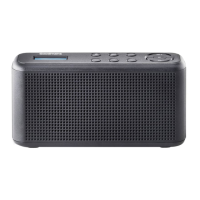
Your DAB Digital;FM Radio

In the box

Details the items included in the DAB Digital/FM Radio packaging.

Top

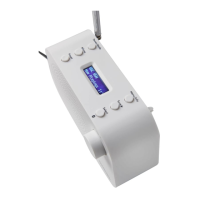
Describes the controls and features located on the top of the radio.

Back

Details the ports and components on the back of the DAB Digital/FM Radio.

Quick Setup

Power On and Autoscan

Guides on powering on the radio and performing an initial DAB station scan.

Standby and Auto Standby

Explains how to put the radio into and out of standby mode.

Using battery power

Instructions for operating the radio using battery power.

Adjusting the Volume

How to control the audio output level of the radio.

Switching Modes

How to change between DAB, FM, and Bluetooth modes.

Using headphones

Instructions for connecting and using headphones.

Pairing the DAB Digital;FM Radio with Bluetooth

Steps to connect the radio to Bluetooth-enabled devices.

Features

Using DAB for the First Time

Guide to the initial setup and scanning of DAB stations.

DAB Radio

Instructions for tuning and listening to DAB radio stations.

Changing Stations (DAB)

How to navigate and select different DAB radio stations.

Full Scan (DAB)

How to perform a complete scan for available DAB stations.

Manual Tuning (DAB)

Procedure for manually tuning DAB stations by ensemble.

Prune stations (DAB)

How to remove unreceived DAB stations from the list.

Storing a Station Preset (DAB)

Instructions for saving favorite DAB stations to memory.

Recalling a Preset (DAB)

How to access and play stored DAB radio presets.

DAB Display Information

Details on the information displayed for DAB stations.

DRC (Dynamic Range Control)

Explanation of how DRC affects audio quality and loudness.

FM Radio

Instructions for tuning and listening to FM radio stations.

Tuning to a Station (FM)

How to tune into FM radio stations.

Scan Setting (FM)

Adjusting sensitivity for FM station scans.

Storing a Station Preset (FM)

Instructions for saving favorite FM stations to memory.

Auto Memory Store (AMS)

Automatically stores favorite FM stations.

Recalling a Preset (FM)

How to access and play stored FM radio presets.

FM Display Modes

Options for displaying information on FM mode.

Connecting a Bluetooth Device

Steps to connect the radio to Bluetooth-enabled devices.

Setting the alarms

Instructions for setting up the radio's alarm functions.

Stop the Alarm

How to turn off the alarm when it sounds.

Snooze

How to use the snooze function for alarms.

Turn off the Alarm

How to disable set alarms.

Sleep timer

How to set the radio to turn off automatically.

Display backlight timeout

Adjusting when the display backlight turns off.

Display Language

How to change the radio's display language.

Software Version

Displays the current software version of the radio.

Factory Reset

Instructions for resetting the radio to its default settings.

Technical Information

Technical specification

Provides detailed specifications for the DAB Digital/FM Radio.

Help and Support

Troubleshooting

Common problems and their solutions for the radio.

EC Declaration of Conformance

Details compliance with EU directives and regulations.

Goodmans 365112 Specifications

General IconGeneral
BrandGoodmans
Model365112
CategoryRadio
TypePortable
Number of Batteries4
Display TypeLCD
TuningDigital
Presets20
Power SourceBattery

Related product manuals