2
1 Welcome
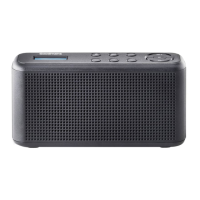
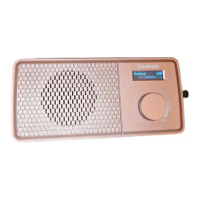
2 Your DAB Digital/FM Radio
2.1 In the box 4
2.2 Top 5
2.3 Back 6
3 Quick Setup
3.1 Power On and Autoscan 6
3.2 Standby and Auto Standby 7
3.3 Using battery power 7
3.4 Adjusting the Volume 7
3.5 Switching Modes 8
3.6 Using headphones 8
3.7 Pairing the DAB Digital/FM Radio with Bluetooth 8
4 Features
4.1 Using DAB for the First Time 9
4.2 DAB Radio 9
4.3 Changing Stations (DAB) 9
4.4 Full Scan (DAB) 10
4.5 Manual Tuning (DAB) 10
4.6 Prune stations (DAB) 10
4.7 Storing a Station Preset (DAB) 11
4.8 Recalling a Preset (DAB) 11
4.9 DAB Display Information 12
4.10 DRC (Dynamic Range Control) 12
4.11 FM Radio 13


 To Next Page