
 Need help?
Do you have a question about the Goodmans ROCKA and is the answer not in the manual?
Lists items included with the Rocka DAB Digital Radio.
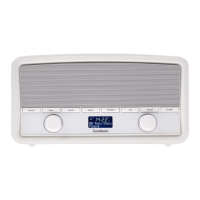
Details the controls and features visible on the top of the radio.
Describes the controls and features located on the side of the radio.
Explains the ports and connections on the rear of the radio.
Guides on powering the radio using batteries or mains adapter.
Instructions for turning the Rocka radio on for the first time.
Explains how to operate the power on/off rocker switch.
Details how to toggle between DAB and FM radio modes.
Describes using the dial for tuning stations in DAB and FM modes.
Explains how to adjust the volume using the control dial.
Guides on saving and recalling favourite radio stations.
How to display station and program details in DAB/FM modes.
Instructions for scanning for DAB stations and manual tuning.
Accessing settings like backlight, language, and resets.







 To Next Page

 General