EasyManua.ls Logo

Goodmans GSR1885DAB - User Manual

Goodmans GSR1885DAB
26 pages
Print Icon
To Next Page IconTo Next Page
Loading...
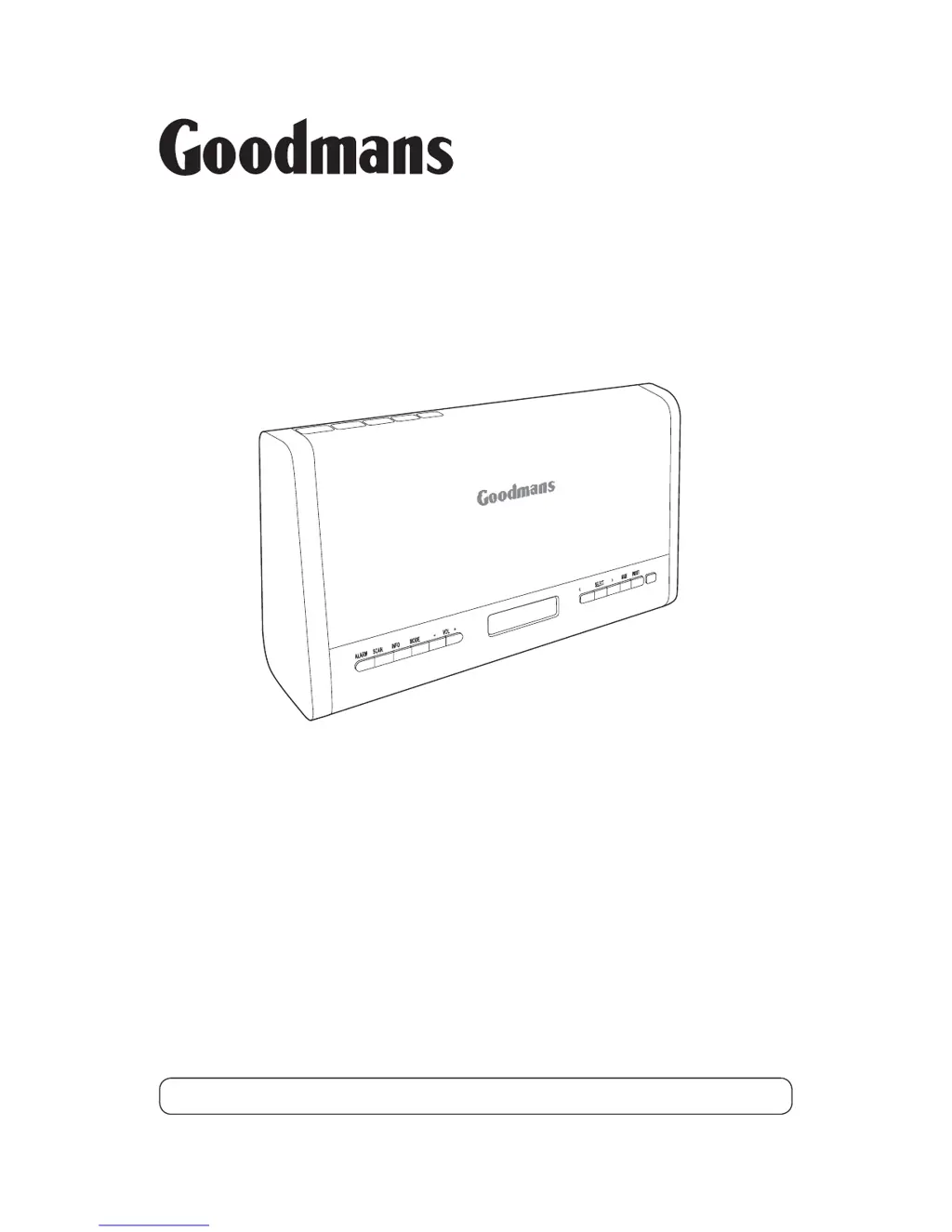
GSR1885DAB
Digital Radio
User Guide
IMPORTANT: Please read all instructions carefully before use and keep for future reference.

Questions and Answers

Summary

Introduction

Safety is important

Read the safety section before using the Digital Radio for household use only.

Your Digital Radio

Getting Started

Fitting Batteries in the main unit

Instructions for installing AA batteries into the main unit for power.

Connecting Power

Steps to connect the AC adapter and power the digital radio unit.

Remote Control Battery

Instructions for inserting and replacing the battery in the remote control.

Power Control

How to turn the radio on and set it to standby mode.

Using DAB

DAB Scanning

Instructions for scanning for available DAB stations and updating the station list.

Using FM

Setting the Alarms

Setting The Alarms

Guides on setting up two separate alarm times with wake-up options like buzzer or radio.

Setting the Alarm to Wake You

Steps to ensure the alarm is set correctly to wake the user at the specified time.

Saving the alarm settings

Explains how alarm settings are automatically saved upon completion.

AUX and Headphones

Troubleshooting

Specifications

Warnings

Electrical Safety

Crucial electrical safety instructions for connecting the power adapter and using the unit.

Sound levels

Guidelines for safe listening levels to prevent hearing damage.

General Safety

Important safety precautions for operating the digital radio and electrical equipment.

Goodmans GSR1885DAB Specifications

General IconGeneral
BrandGoodmans
ModelGSR1885DAB
CategoryRadio
LanguageEnglish

Related product manuals