EasyManua.ls Logo

Goodmans 329176 - User Manual

Goodmans 329176
8 pages
Print Icon
To Next Page IconTo Next Page
Loading...
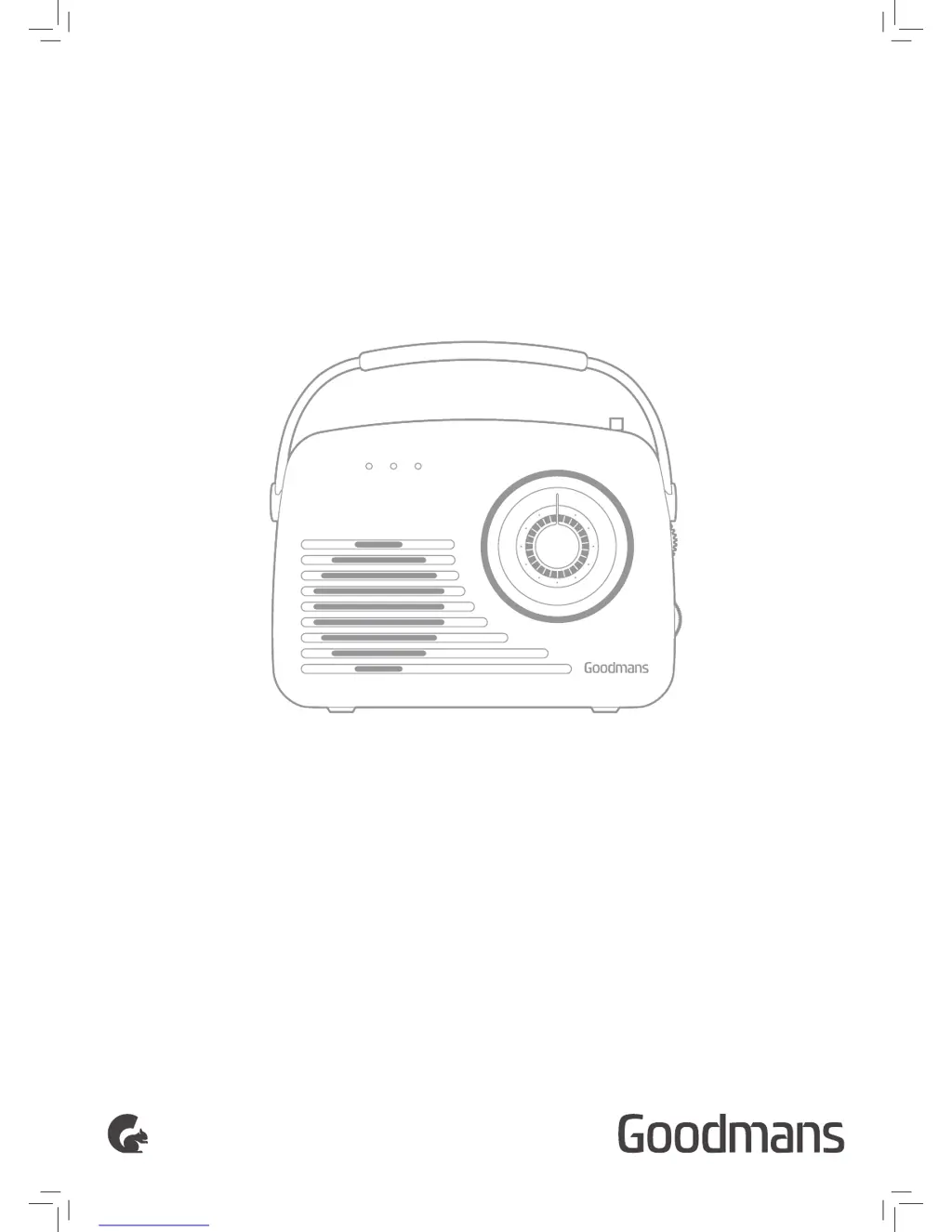
USER MANUAL
MODEL: 329176
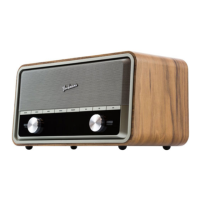
PORTABLE AM/FM RADIO
RETRO
F
M
8
7
.
5
9
0
9
3
9
8
1
0
3
1
6
0
1
0
8
K
H
z
A
M
5
2
0
6
0
0
8
0
0
1
0
0
0
1
2
0
0
1
4
0
0
1
6
2
0
K
H
z
AUX USB/SD RADIO

Questions and Answers

Summary

Welcome

Your Radio

In The Box

Lists items included with the radio.

Front View

Identifies and describes front panel components and controls.

Rear View

Identifies and describes rear panel components.

Control Panel

Details the function of buttons and ports on the control panel.

Quick Setup

Power On

Instructions for powering the radio using mains or batteries.

Playing Music Via Radio

Steps to tune into and play radio stations.

Features

Function Buttons

Explains the operation of playback and mode selection buttons.

Radio Operation

Details how to operate the radio tuning and volume.

AUX-in Connection

Instructions for connecting and playing audio via AUX input.

USB;SD Playback

Guide for playing music from USB or SD card storage.

Standby Mode

Information on the radio's automatic standby mode.

Troubleshooting

Technical Specification

Customer Support

Goodmans 329176 Specifications

General IconGeneral
BrandGoodmans
Model329176
CategoryRadio
LanguageEnglish

Related product manuals