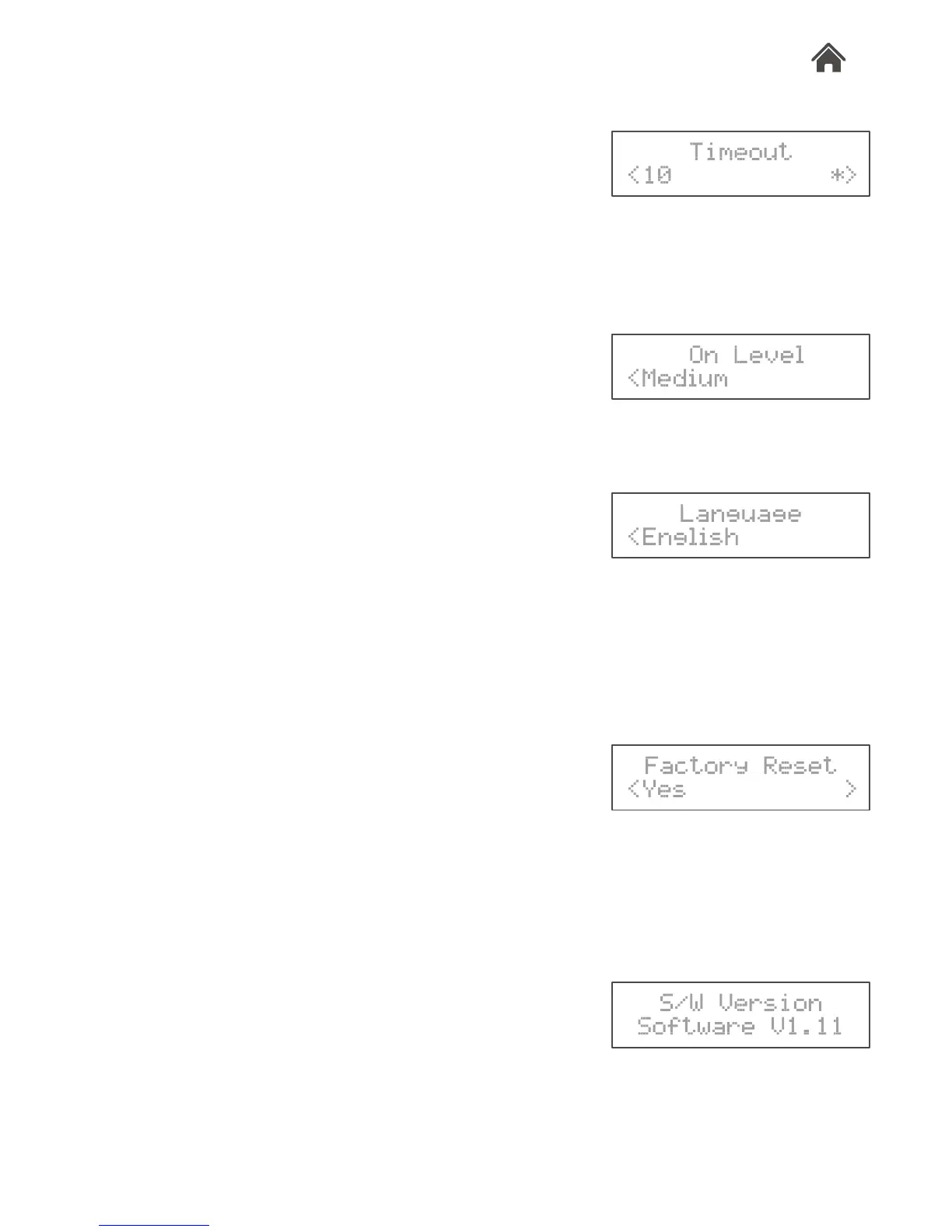
g.11
g.9
g.10
Backlight
Select this option to alter the timeout and brightness of the
backlight. The backlight can be adjusted for when Rocka is on.
1. Turn the dial to the <Backlight> menu.
2. Press the dial to conrm.
3. To set the timeout of backlight, turn the dial and press to
enter <Timeout> setting menu. Turn the dial to select < Off |
10sec | 20sec | 30sec | 45sec | 60sec | 90sec | 120sec |
180sec >, and press the dial to conrm (g.7).
4. To set the brightness level, turn the dial and press to enter
<On Level> setting menu. Use the dial to select <Medium>,
<High> or <Low> brightness, and press the dial to conrm
(g.8).
Language
Select this option to change the language used for the menu
options.
1. Turn the dial to the <Language> menu.
2. Press the dial to conrm.
3. Turn the dial to select a language from below options <
English | Français | Deutsch | Italiano >, and press the dial to
conrm (g.9).
Factory Reset
Select this option to clear all user dened settings, replacing them
with the original default values.
1. Turn the dial to the <Factory Reset> menu.
2. Press the dial to conrm.
3. Turn the dial to choose <Yes> and press the dial to start the
factory reset (g.10).
S/W Version (Software Version)
Select this option to display the current version of software in the
DAB digital radio.
1. Turn the dial to <S/W Version> menu.
2. Press the dial to display the current software version (g.11).
g.8
g.7
>
*>








 To Next Page