37
Advanced features
A padlock symbol will appear on the line of the channel to show that this channel 3
is locked.
Repeat for other channels as you need.4
To unlock a locked channel.
Use the 1 Up and Down buttons to choose the channel you want to unlock.
Press the 2 OK button.
The padlock symbol will be removed. This shows that the channel is not locked.3
Change the PIN code
It is a good idea to change the PIN code from the default setting if you plan to use
parental control. The default setting is 0 0 0 0. Choose a number you can easily
remember as restoring defaults will not reset the new PIN code back to the default
setting.
In the ‘Parental control’ window, do the following.
Use the 1 Up and Down buttons to choose option 3.
Press the 2 OK button.
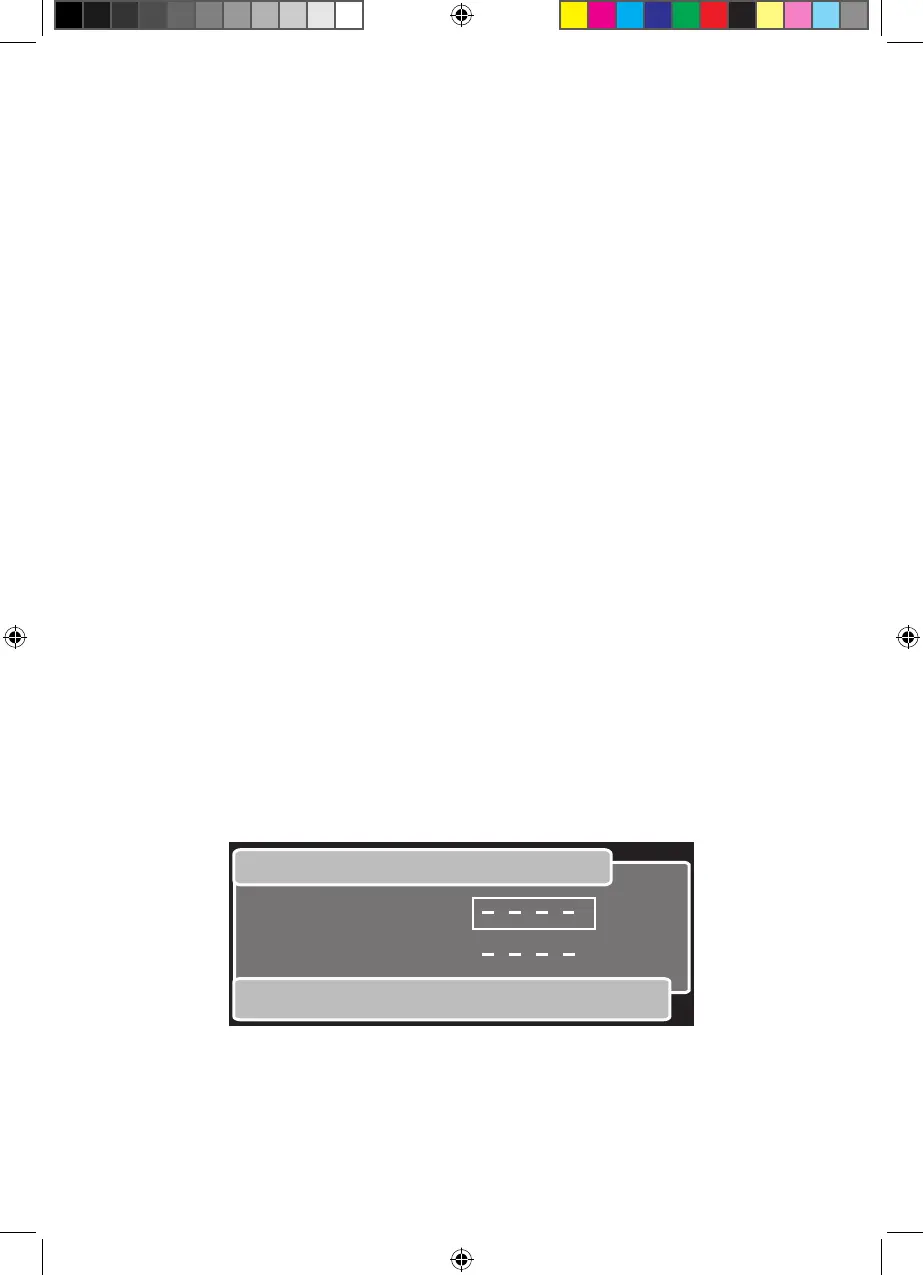
The ‘Change PIN’ window will be shown. An example is shown below.3
Enter your chosen PIN code.4
Enter it again. If there is a mistake it will let you know and you will have another 5
chance to change the PIN.


 To Next Page