EasyManua.ls Logo

Goodmans GDB20TTS - Main Unit

Goodmans GDB20TTS
76 pages
Print Icon
To Next Page IconTo Next Page
To Previous Page IconTo Previous Page
Loading...
5
Getting started
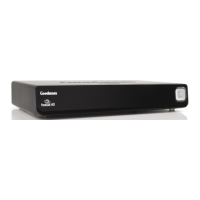
Main unit
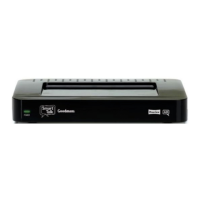
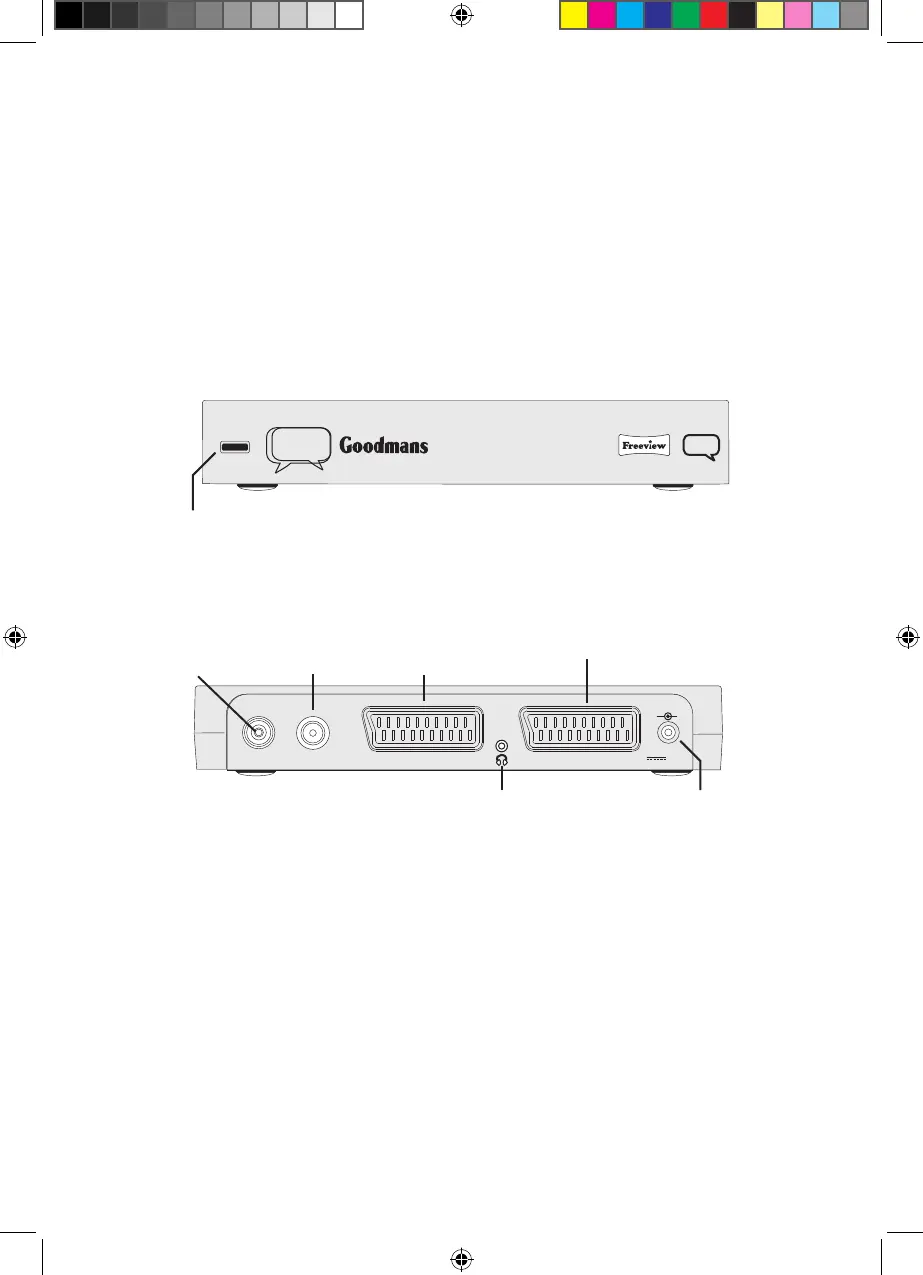
There are no control buttons on the main unit.
The remote control sensor is located on the left side of the front panel. When operating
the remote control, point it at this sensor. Do not block the sensor or the remote control
won’t work.
AERIAL
VCR/DVD
TV
5V DC IN
2.0A
RF OUT
+
-
POWER
AD
Smart
Talk
Infrared sensor and
power indicator
Aerial input
connector, connects
to TV aerial
RF out connector,
connects to VCR/
DVD recorder or TV
Scart connector,
for connects to
VCR/DVD scart
Scart connector, connects
to TV scart connector
Headphone output
socket
Power supply input,
from AC/DC adapter
Goodmans GDB20TTS_Instruction Manual.indb 5 6/15/2010 4:26:26 PM

Related product manuals