43
Setting up your system
Talking features volume
Use the 1 Up and Down buttons to highlight ‘Talking features volume’.
Press the 2 OK button.
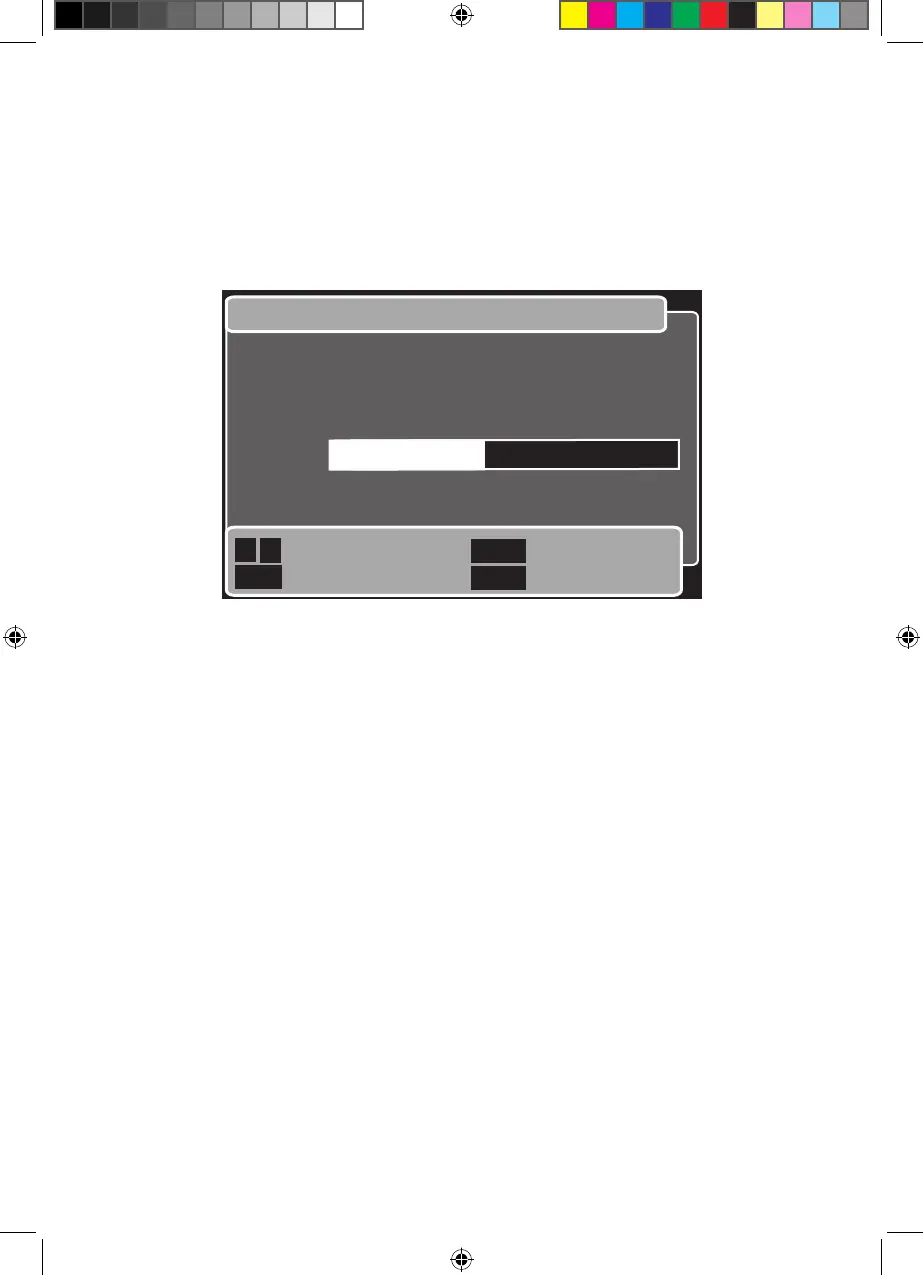
The ‘Talking features volume’ window will be shown. See below.3
In the ‘Talking features volume’ window, do the following.
Use the 1 Left and Right buttons to turn the volume up or down to suit your needs.
Press the 2 OK button to save the volume setting and return to the previous menu,
Or, press the Back button to return to the previous menu without change,
Or, press the Exit button to ignore any change and return to watching TV.


 To Next Page