EasyManua.ls Logo

Goodmans GDB20TTS - Page 46

Goodmans GDB20TTS
76 pages
Print Icon
To Next Page IconTo Next Page
To Previous Page IconTo Previous Page
Loading...
Setting up your system
46
Visual
The visual preferences let you choose the colour scheme, set a larger font to be used
when displaying the full programme guide or mini guide.
In the ‘Preferences’ menu, do the following.
Use the 1 Up and Down buttons to highlight ‘Visual’.
Press the 2 OK button.
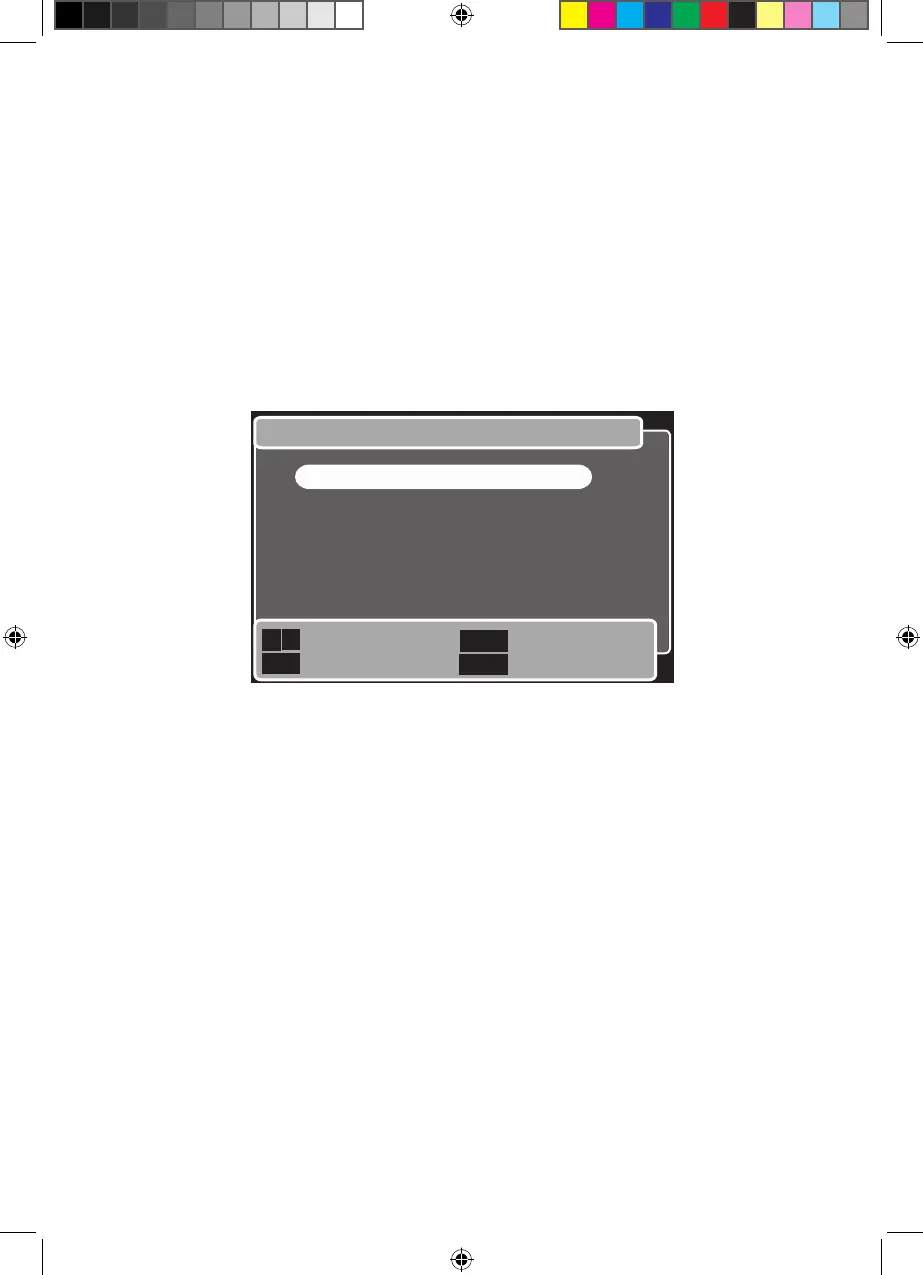
The ‘Visual preferences’ menu will be shown. See below. 3

Visual preferences
Next/Previous
Select menu
Previous menu
Return to TV
Back
Exit

OK
1. Colour scheme
2. Font size
3. Turn subtitles on/off
Goodmans GDB20TTS_Instruction Manual.indb 46 6/15/2010 4:26:44 PM