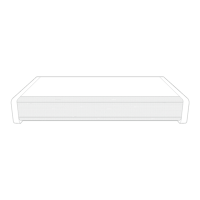
Front View2.2
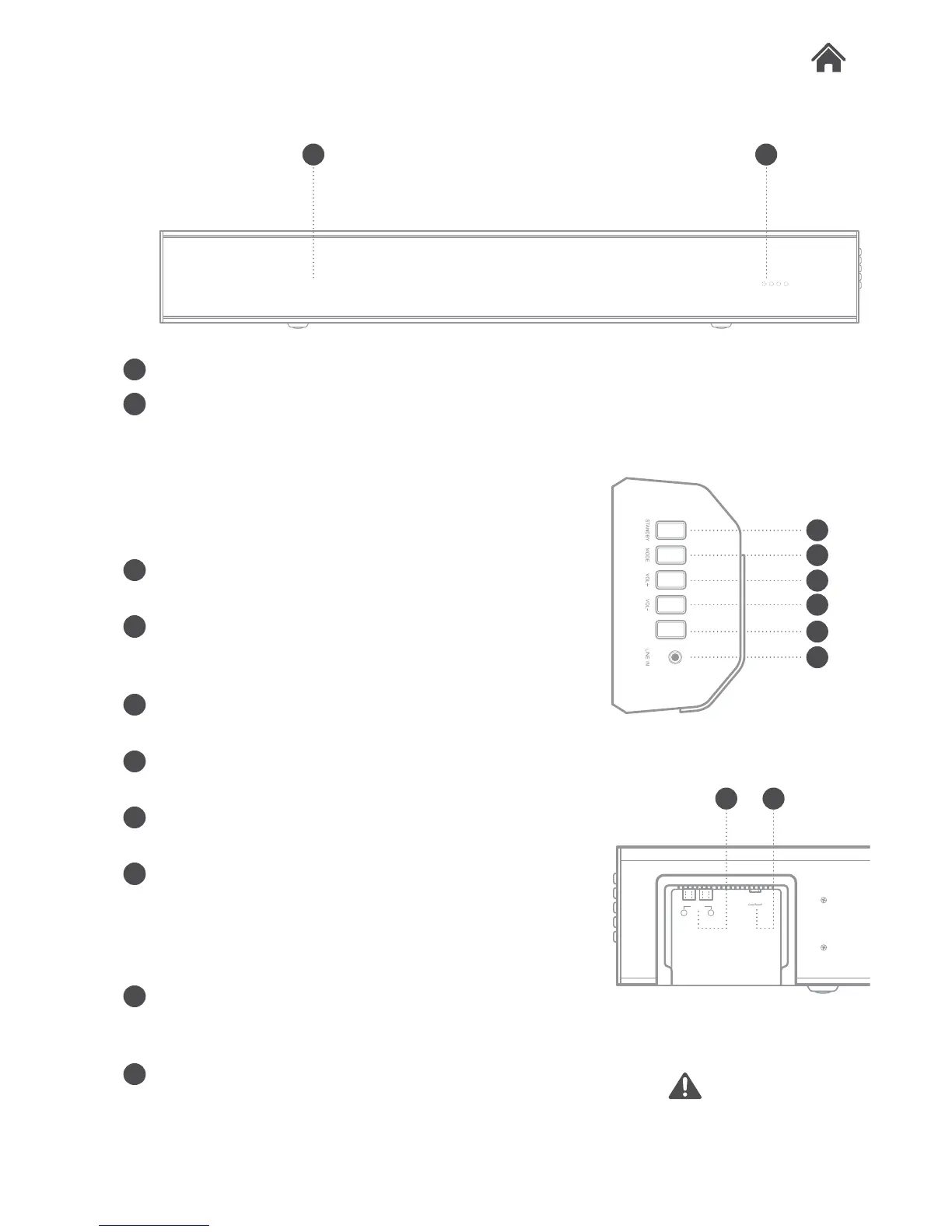
A Speakers.
B Mode indicators.
Each coloured LED indicates a mode:
GREEN - Line In, BLUE - Bluetooth,
WHITE - AUX in & RED - STANDBY
ORANGE - EQ active
C STANDBY button. Press & hold to
wake or enter STANDBY mode.
D MODE button. Press to cycle
between the different input modes:
Line in, Bluetooth & Aux in.
E VOLUME+ button. Press to
increase the volume output.
F VOLUME- button. Press to
decrease the volume output.
G PAIR button. Press to begin the
pairing operation in Bluetooth mode.
H LINE IN socket. Connect a 3.5mm
audio cable (supplied) to use the Line
in mode.
I RCA AUX input. Connect an RCA
cable (supplied) to use the AUX in
mode.
J DC POWER input socket. Connect
the 18V mains plug to this socket to
power the Soundbar.
TAKE CARE WITH
LIVE ELEMENTS
A B
C
D
E
F
G
H
PAIR
I J
AUX IN
L R
DC I N 18V
-
+
Side View2.3
Rear View2.4


 To Next Page