Electrical Connection
25
User Manual V1.0-2022-03-22
Communication
Type
Terminal Denition Function
RS485 RS485
1: RS485+
2: RS485-
Used to connect multi inverters or the
RS485 port on the data logger.
Remote shutdown RSD
3: RSD+
4: RSD-
The port is reserved in compliance
with grid regulations in Europe.
Related devices should be prepared by
customers.
Dry contact I/O
5: I/O1+
6: I/O1-
7: I/O2+
8: I/O2-
9: I/O3+
10: I/O3-
Reserved.
Meter Meter
11: Meter +
12: Meter -
Realize the anti-backfeed function by
connecting the meter and the CT. Contact
the manufacturer to purchase the devices
if you need them.
CT CT
13: CT+
14: CT-
DRED DRED
15: DRM1/5
16: DRM2/6
17: DRM3/7
18: DRM4/8
19: REFGEN
20: COM/DRM0
The port is reserved in compliance to grid
regulations in Australia and New Zealand.
Related devices should be prepared by
customers.
Notice
• Make sure that the communication device is connected to the right terminal. Route the
communication cable far away from any interference source or power cable to prevent the
signal from being inuenced.
• Connect the RS485 cable, remote shutdown cable, meter cable, and CT cable using a 2PIN
communication terminal.
• Connect the dry contact cable and DRED cable using a 6PIN communication terminal.
• Remove the short circuit wire and keep it properly when enabling the DRED function.
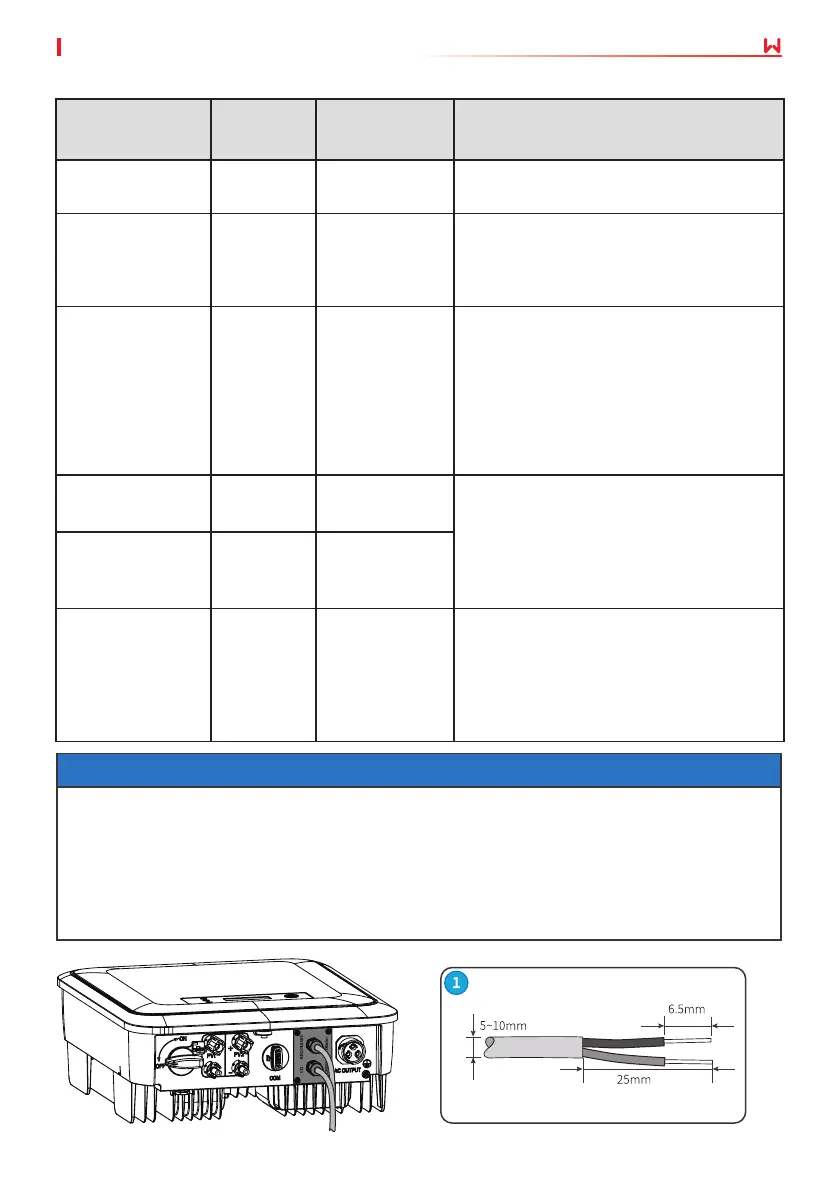
6.5.1 Connecting the Communication Cable (optional)


 To Next Page
 Loading...