54 55
Megapixels
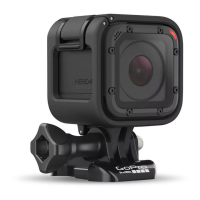
HERO4 Session captures photos at 8MP and 5MP. Smaller megapixel
values take up less space on the microSD card.
Setting Description
8MP Ultra Wide
(default)
Largest field of view. Good for action shots.
5MP Medium
Mid-range field of view. Good for shots where
you want the subject to fill the frame.
Note: Changes that you make to Megapixels in Multi-Shot settings apply only to multi-shot capture.
To adjust this setting for photo capture, adjust Megapixels in Photo settings.
/ Multi-Shot Mode
Spot Meter
Spot Meter is good for capturing photos in a setting where the lighting
is different from where you are. Examples include capturing photos
of the outdoors from within a car or in a shaded environment while
standing in the sun. Spot Meter automatically sets the exposure based
on a single spot in the middle of the image, rather than on the entire
frame. The options for this setting are Off (default) and On.
Note: Changes that you make to Spot Meter in Multi-Shot settings apply only to multi-shot capture.
To adjust this setting for video capture, adjust Spot Meter in Video settings. To adjust this setting for
photo capture, adjust Spot Meter in Photo settings.
/ Multi-Shot Mode


 To Next Page