92 93
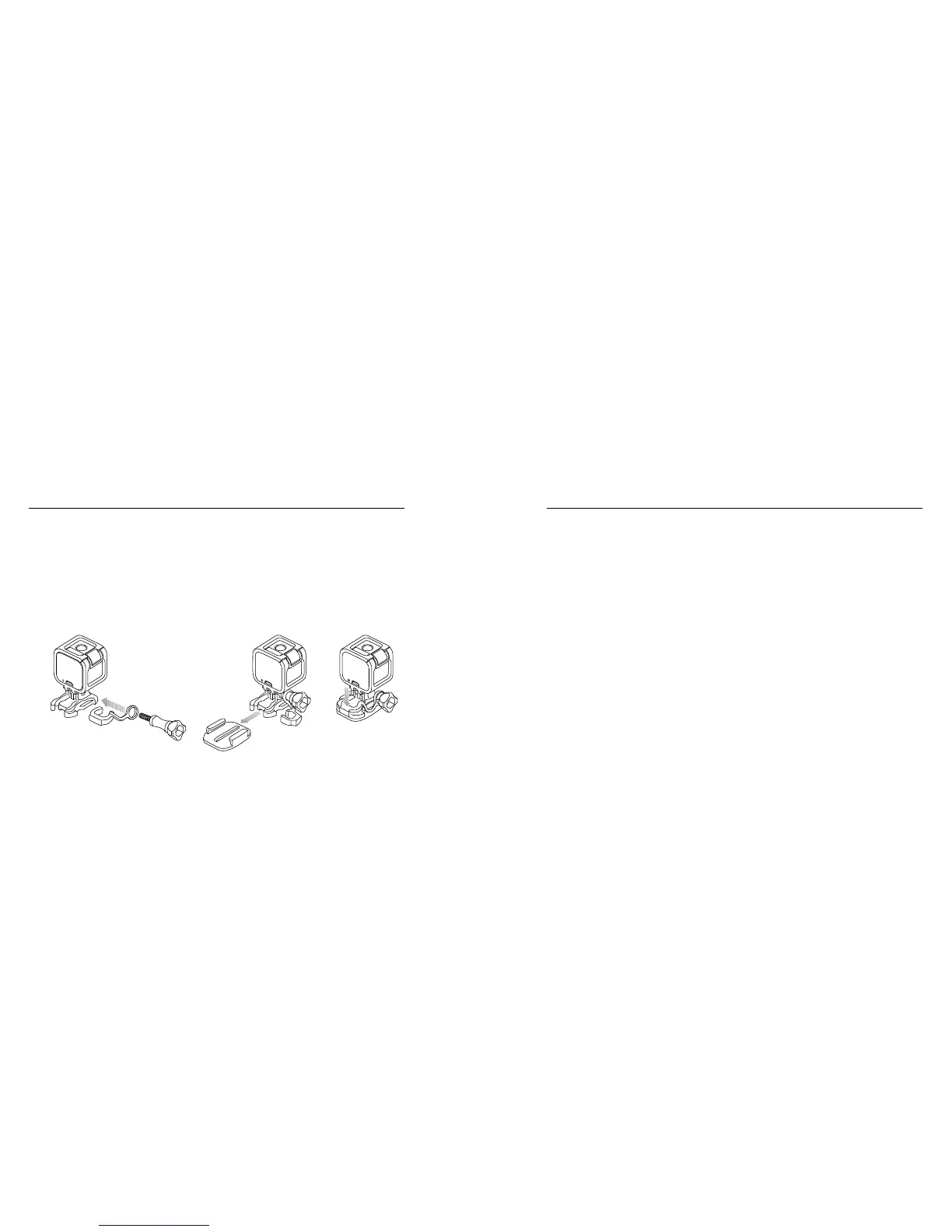
To Attach the White Locking Plug:
1. Loop the circular ring over the thumb screw. The circular ring acts
as a leash to prevent dropping or losing the locking plug.
2. Slide the Mounting Buckle into the mount until it clicks into place.
3. Press the U-shaped part of the plug into the U-shaped space in the
Mounting Buckle.
/ Mounting Your Camera
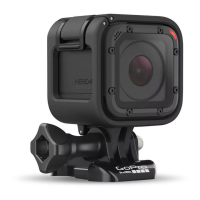
Your HERO4 Session camera and battery are integrated. You cannot
remove the battery from the camera.
The battery icon displayed in the camera status screen blinks
when the battery drops below 10%. If the battery reaches 0% while
recording, the camera saves the file and powers off.
MAXIMIZING BATTERY LIFE
Extreme cold temperatures can decrease battery life. To maximize
battery life in cold conditions, keep camera in a warm place prior
to use.
/ Battery


 To Next Page