86 87
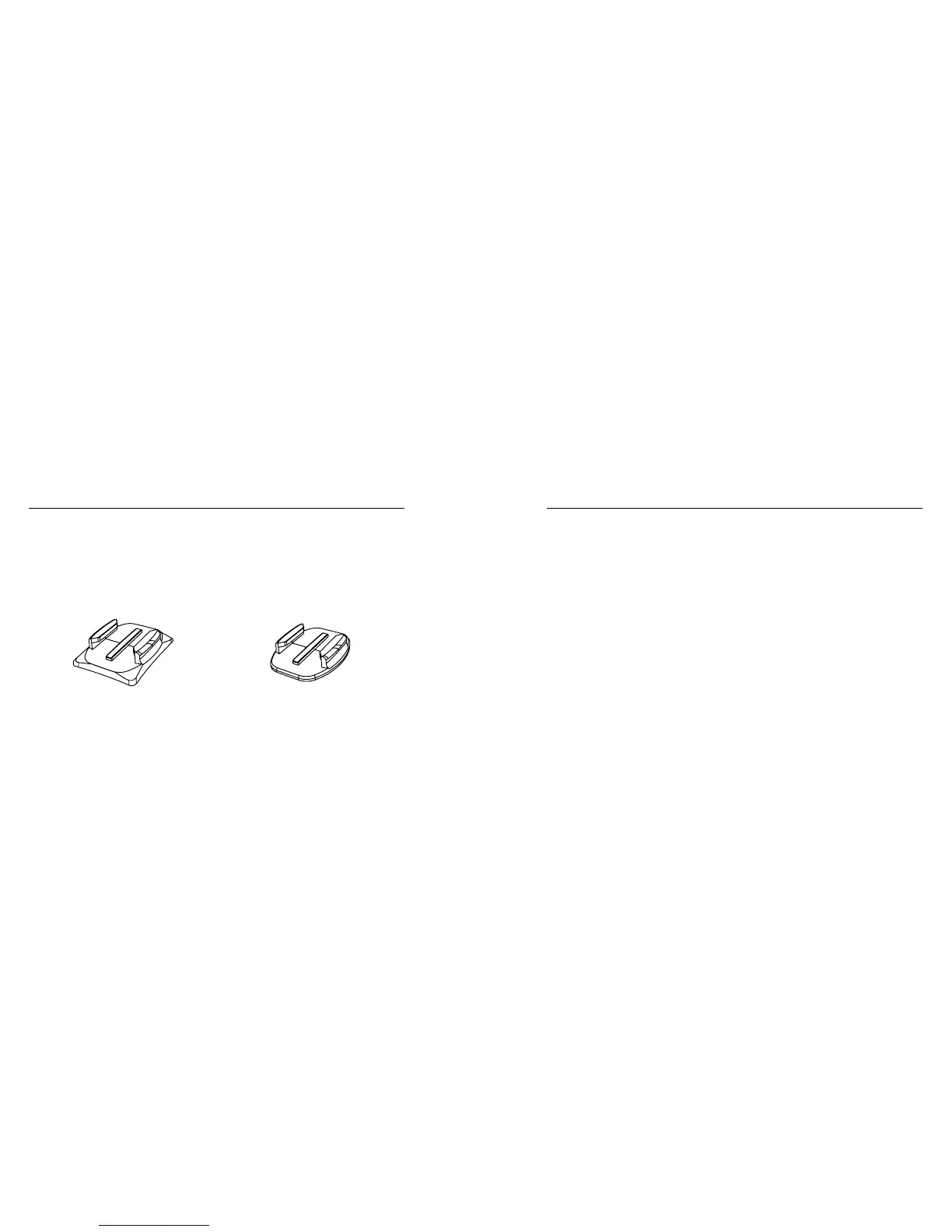
USING CURVED + FLAT ADHESIVE MOUNTS
The Curved + Flat Adhesive Mounts make it easy to attach the camera
to curved and flat surfaces of helmets, vehicles, and gear. With the
mounting buckle, the frame can be clicked on and off the secured
Curved or Flat Adhesive Mounts.
Curved Adhesive Mount Flat Adhesive Mount
/ Mounting Your Camera
MOUNTING GUIDELINES
Follow these guidelines when attaching mounts:
• Attach the adhesive mounts at least 24 hours before use.
• Adhesive mounts must be mounted only on smooth surfaces.
Porous or textured surfaces do not enable a proper bond. When
applying the mount, firmly press it into place and ensure full
contact over the entire surface.
• Apply adhesive mounts to clean surfaces only. Wax, oil, dirt, or
other debris reduce adhesion, which can result in a weak bond
and risk of losing the camera should the connection fail.
/ Mounting Your Camera



 To Next Page