11
5. Charge the battery. The included lithium-ion battery comes partially
charged. To charge, connect the included USB cable to camera and
connect the other end of the cable to a power source such as a computer,
GoPro Wall Charger or GoPro Auto Charger. No damage will occur to
the camera or battery if used prior to a full charge.
PRO
TIP:
When camera is OFF and charging:
• Red Camera Status Light will turn ON when camera
is charging.
• Red Camera Status Light will turn OFF when charging
is complete.
▶See BATTERY LIFE for more information.
▶See PROTUNE for more information.
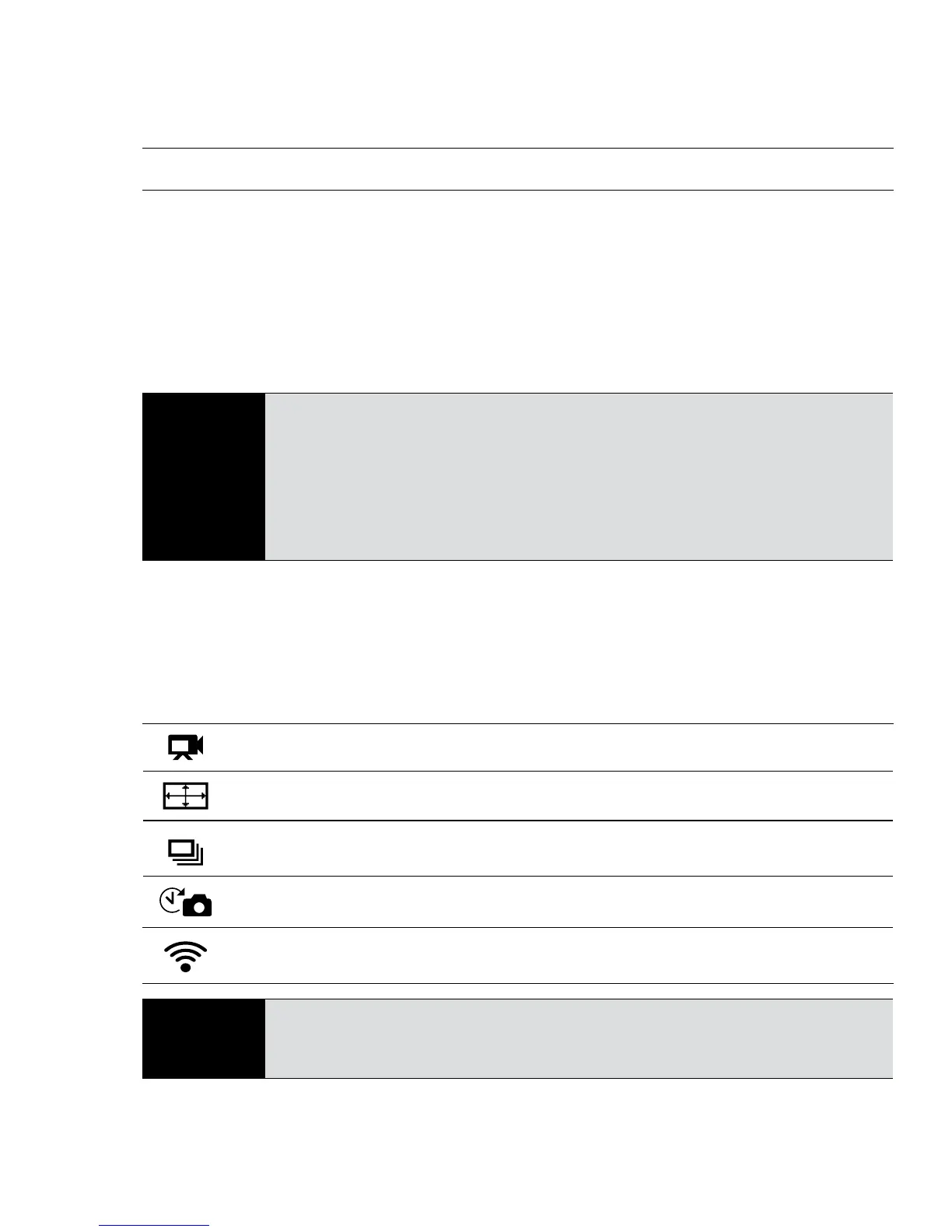
CAMERA DEFAULT SETTINGS
The HERO3+ Black Edition camera powers up with the following default settings:
Video Resolution 1080p SuperView 30fps
Photo Resolution 12MP
Burst Photo 30 photos in 1 second
Time Lapse 0.5 seconds
Wi-Fi OFF
PRO
TIP:
Want to change your VIDEO and PHOTO settings?
▶See SETTINGS menu to make changes.
USING YOUR HERO3+: BASICS



 To Next Page