12
POWERING ON AND OFF
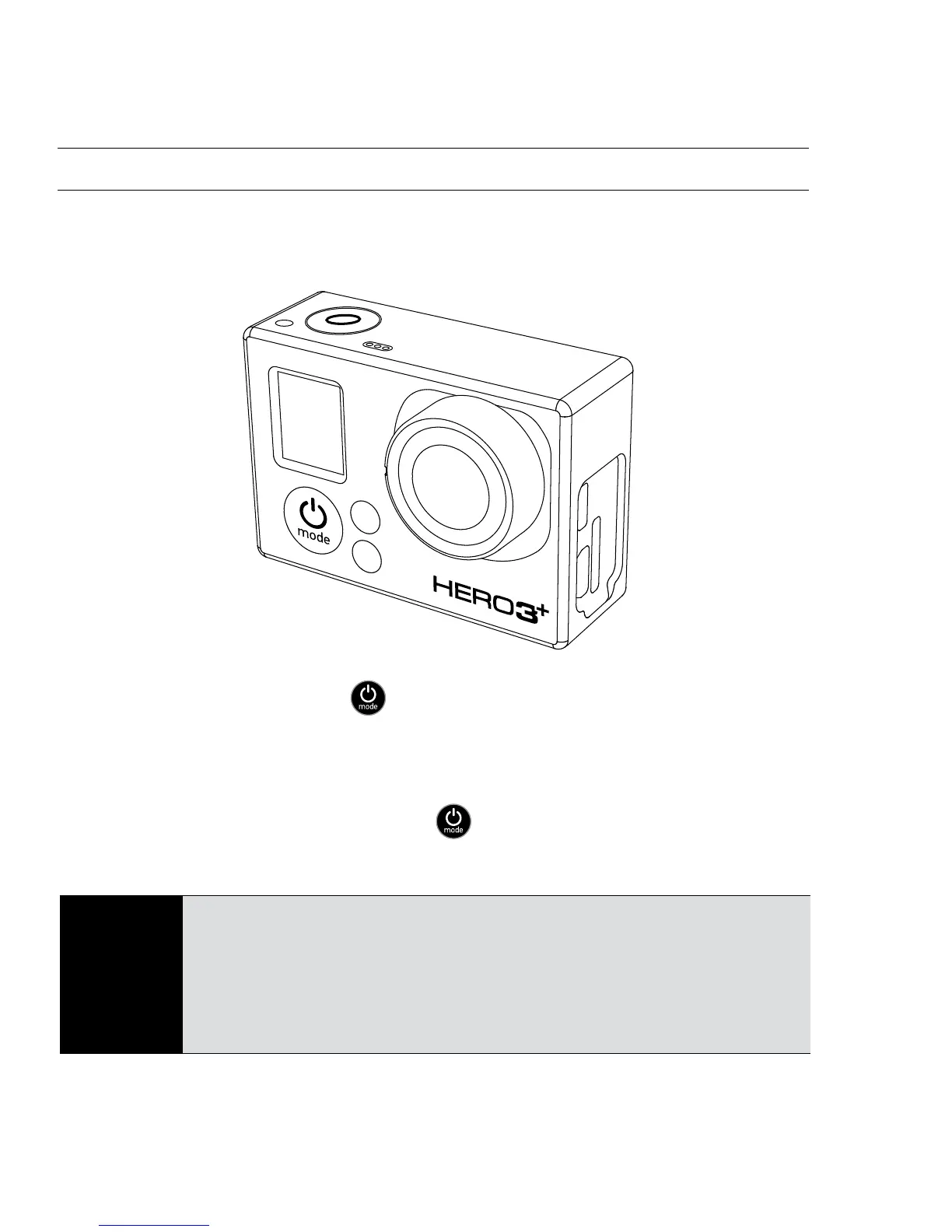
To power ON:
Press the Power/Mode Button
. The red Camera Status Lights flash
three times and the Sound Indicator emits three beeps.
To power OFF:
Press and hold the Power/Mode Button
. The red Camera Status Lights
flash several times and the Sound Indicator emits seven beeps.
PRO
TIP:
Want to turn your HERO3+ into a “one-button” camera that
automatically starts recording PHOTOS or VIDEOS once it
turns ON? Set the camera to ONE BUTTON mode.
▶See ONE BUTTON mode for more information.
USING YOUR HERO3+: BASICS



 To Next Page