13
OVERVIEW
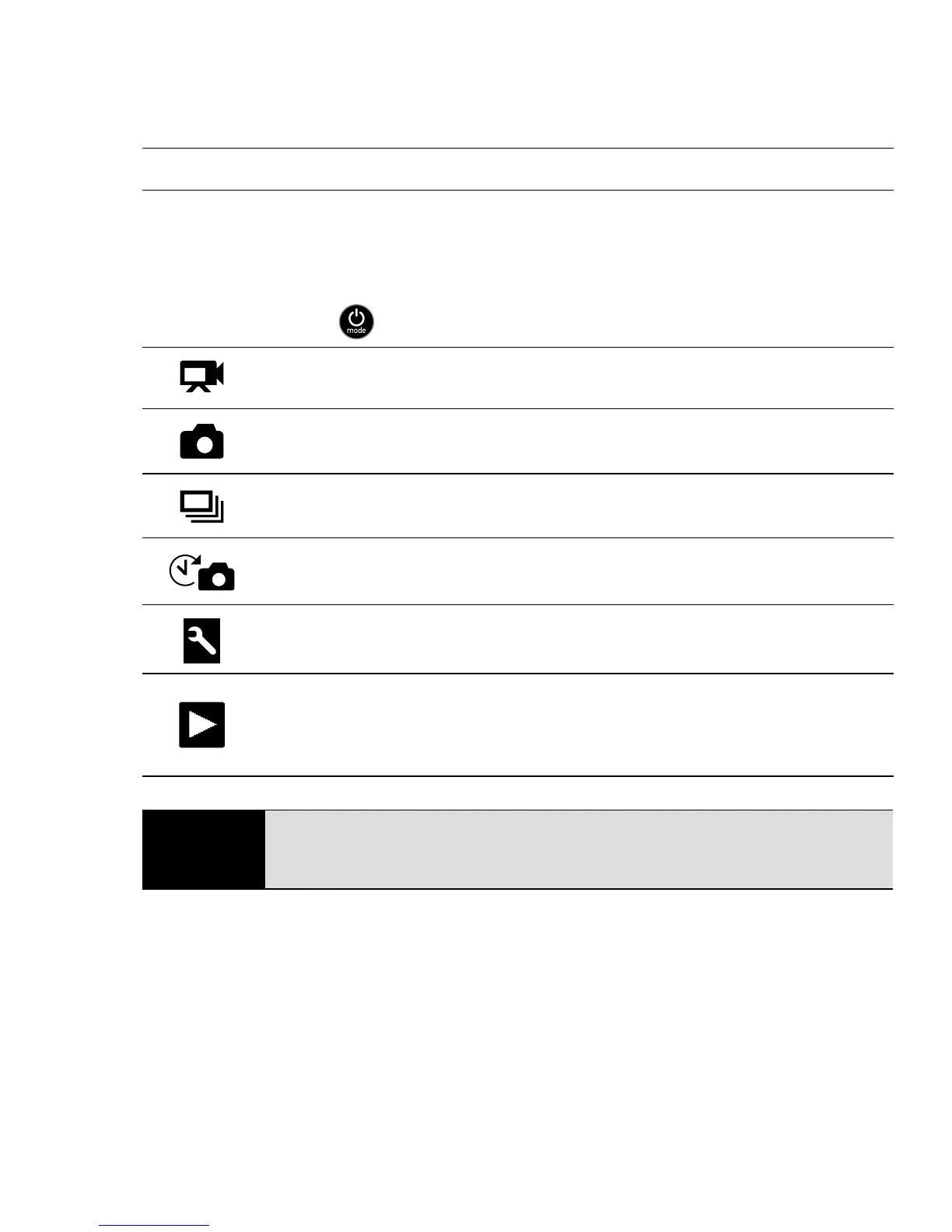
The HERO3+ features several camera modes. To cycle through the modes, press
the
Power/Mode Button
. The modes will appear in the following order:
VIDEO
Record Video
PHOTO
Capture a single Photo
BURST PHOTO
Capture up to 30 Photos in one second
TIME LAPSE
Capture a series of
Photos
at timed intervals
SETTINGS
Adjust camera Settings
PLAYBACK
Playback Video and Photos. Appears only if camera
is connected to a TV or LCD Touch BacPac™
(optional accessory, sold separately).
PRO
TIP:
Use BURST PHOTO to capture fast-moving subjects.
▶See PLAYBACK for more information.
USING YOUR HERO3+: CAMERA MODES



 To Next Page