33
CAPTURE SETTINGS
You can customize the way your HERO3+ camera captures Video and Photos
in the Capture Settings menus, such as Upside Down, Looping Video and
White Balance.
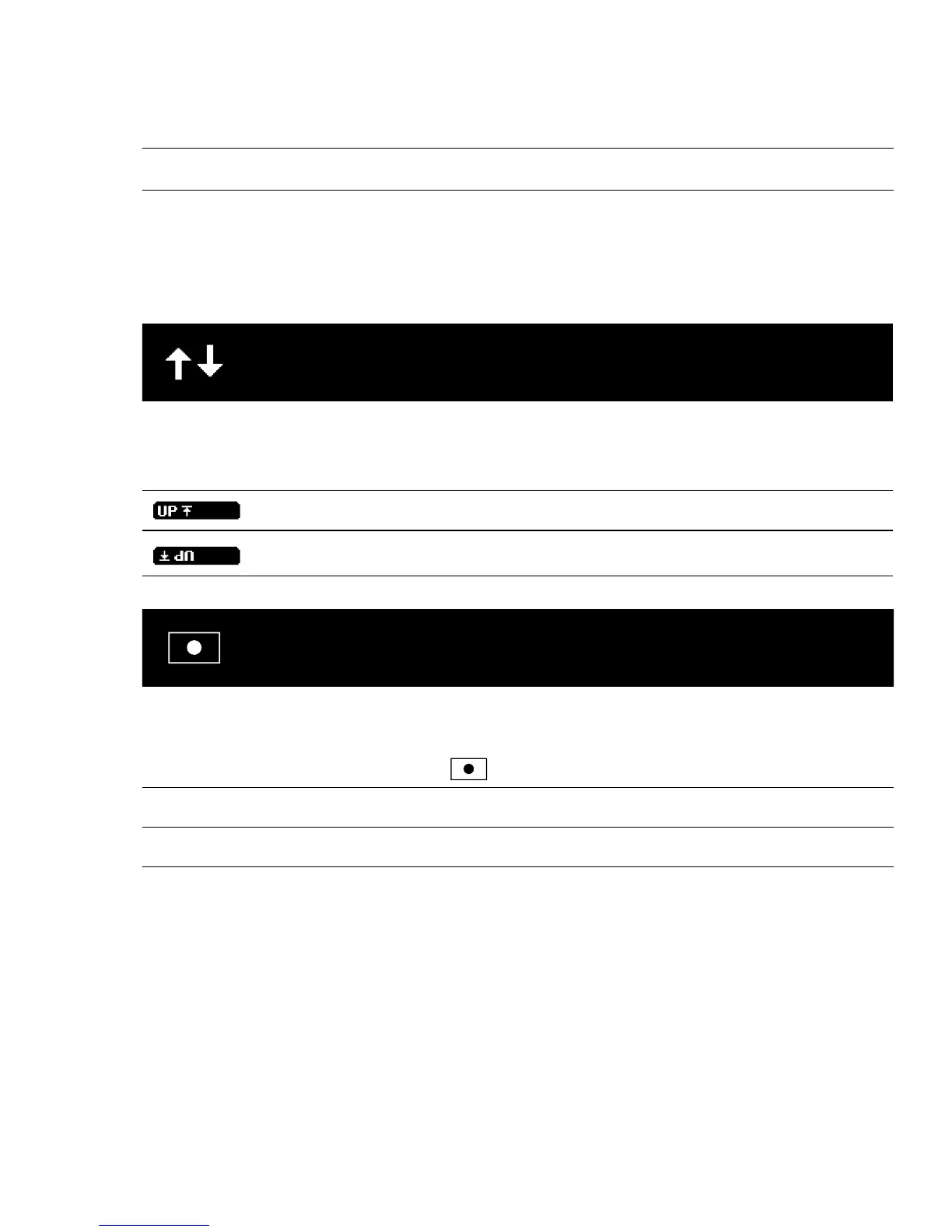
UPSIDE DOWN
Mounting your HERO3+ Upside Down but wish the files to appear upright
when viewing or editing? This setting eliminates the need to flip your Video
or Photos aer recording.
Camera right side up (Default)
Camera upside down
SPOT METER
Turn on Spot Meter when filming from within a dark space pointing the
camera into a brighter setting, such as filming the outdoors from within a car.
When Spot Meter is set to ON,
appears in the LCD window.
OFF (Default)
ON



 To Next Page